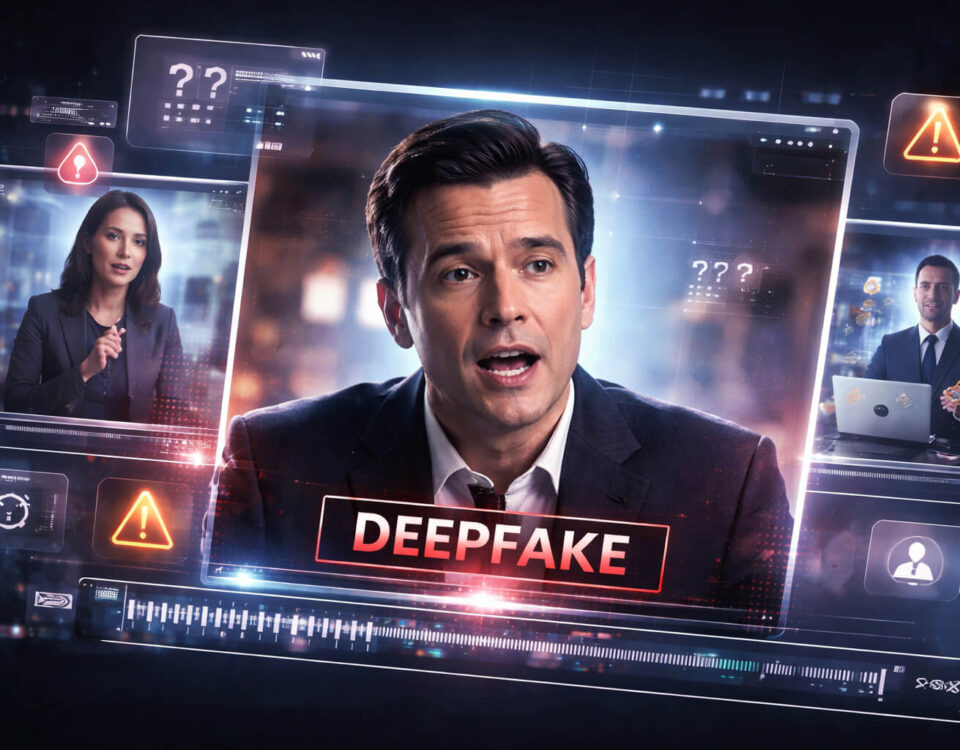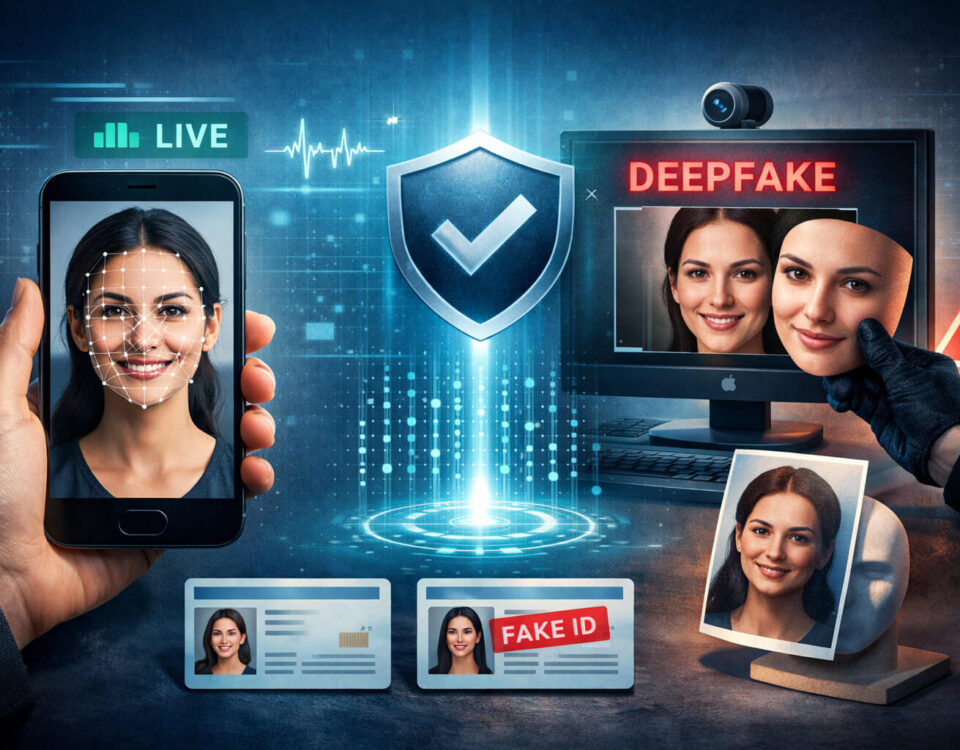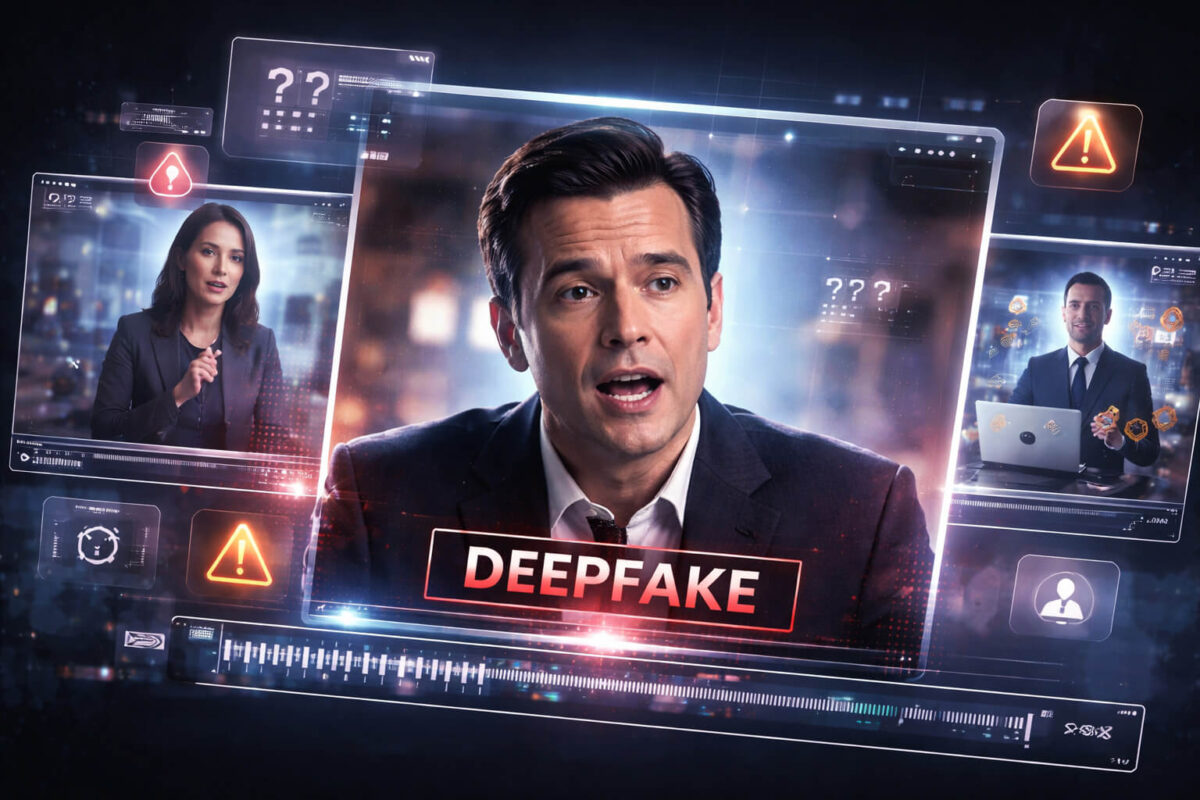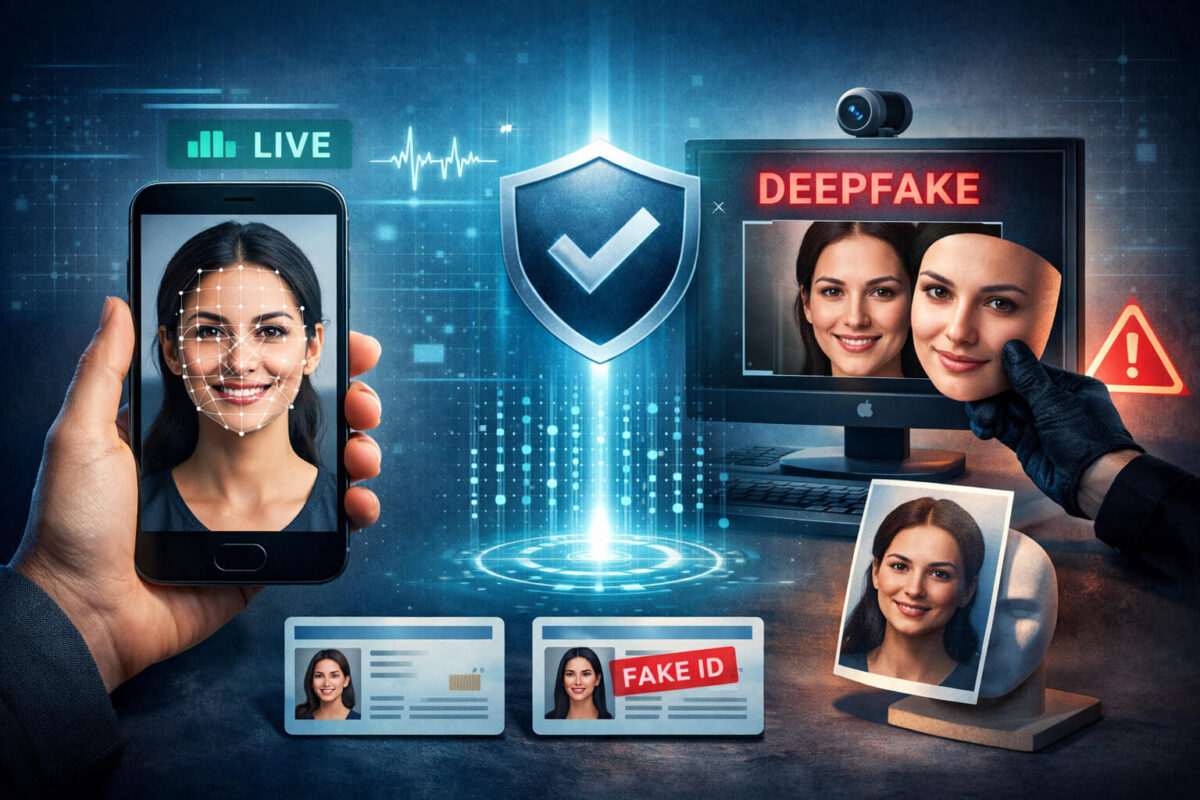
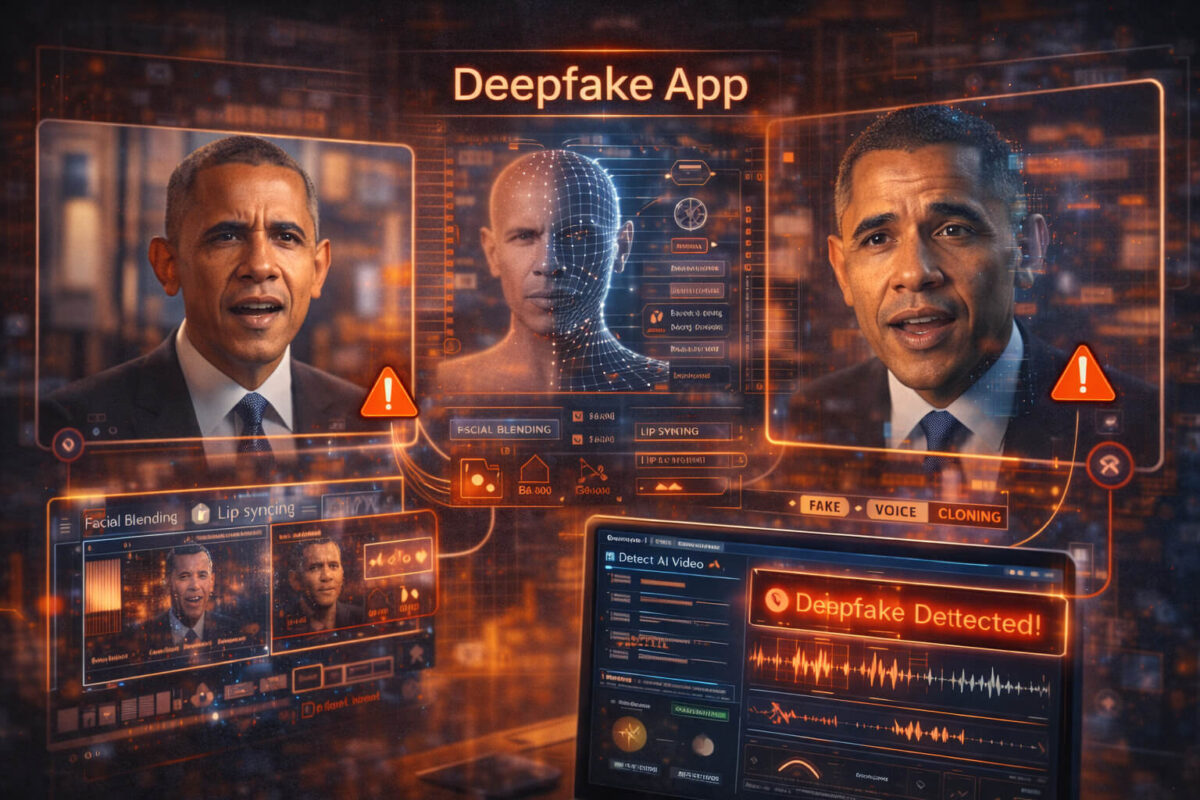
A deepfake app can swap faces, alter voices, and reshape a video so convincingly that a quick glance is no longer enough. The good news is that most app-made fakes still leave patterns: small mistakes in motion, lighting, edges, and audio timing, plus telltale signs in where the clip came from and how it spread. In this guide, you will learn how deepfake apps work in plain language, how to spot common artifacts, and how to verify suspicious clips step by step. When you need an extra signal, Detect AI Video can help you flag manipulation faster, but the safest results come from combining tool signals with smart verification.
Deepfake App Explained: What It Is (and What It Is Not)
A “deepfake app” is any tool that uses AI models to create or alter video in a way that changes identity, speech, or behavior. Most people use the term for face swaps and voice fakes, but the category is broader. It includes apps that:
- Replace a person’s face with another face
- Clone a voice and generate new speech
- Lip-sync a new voice to an existing video
- Modify expressions or head movement
- Generate entire scenes that look like real footage
What a deepfake app is not: basic editing apps that cut, trim, color-grade, or add filters. Those can still be deceptive, but “deepfake” usually means identity-level manipulation, not just polishing.
Why Deepfake Apps Got So Good So Fast
Deepfake apps improved quickly for three reasons:
First, models became more efficient. What used to require a strong GPU and hours of processing now runs on consumer devices or cloud servers in minutes.
Second, training data became easier to gather. Public images, video clips, and even short voice samples can be enough to create convincing results.
Third, workflows became automated. Modern apps handle tracking, alignment, blending, lighting correction, and artifact cleanup without the user needing technical skill.
That is why deepfakes are no longer a “lab trick.” They are a normal feature in apps, and that makes deepfake detection more important than ever.
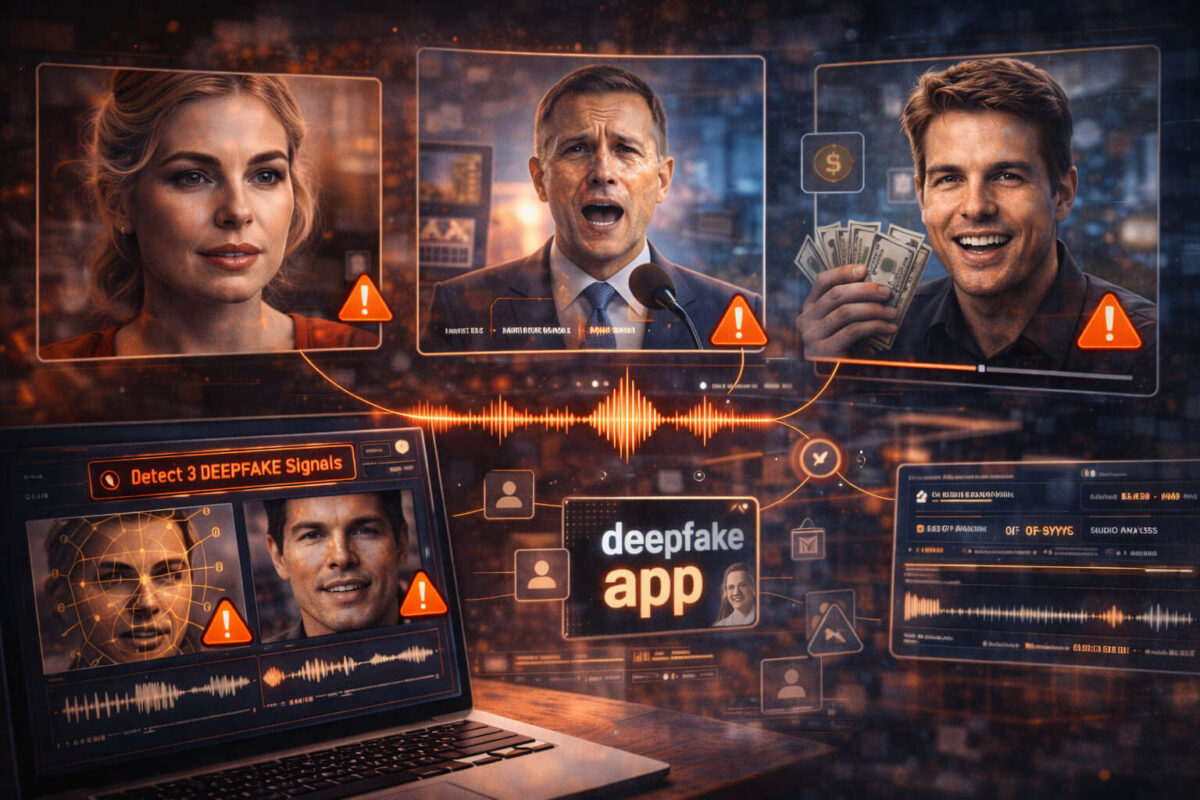
How a Deepfake App Works (Simple Breakdown)
You do not need machine learning jargon to understand how deepfake apps work. Most tools follow the same pipeline.
Face detection and tracking
The app finds a face in each frame and tracks key points: eyes, eyebrows, nose, lips, jawline, and sometimes ears and hairline. This tracking is what allows the fake face to “stick” to the head during movement.
Where it fails: fast motion, low light, side profiles, hands covering the face, and heavy compression.
Identity transfer and blending
Next, the app generates a new face (or modifies the existing one) and blends it into the original frame. Blending is where many artifacts show up: edges that shimmer, skin that looks too smooth, or lighting that does not match.
Where it fails: strong directional lighting, complex shadows, and textured skin.
Voice cloning and lip-sync
Many deepfake apps now include voice features. Some clone a target voice and generate fresh audio. Others keep audio but change mouth movement to match a new script.
Where it fails: emotional speech, laughter, fast consonants, and natural breathing.
If you want a dedicated checklist for mouth timing, see AI lip sync.
Post-processing and “polish” tricks
Finally, apps run cleanup steps: sharpening, denoising, color matching, and compression. These steps can hide obvious seams, but they often introduce a different kind of giveaway: unnatural textures, “plastic” skin, or inconsistent noise patterns.
Popular Deepfake App Use Cases (Good, Bad, and Risky)
Not all deepfake app usage is malicious, but the same tools can be used for harm.
Harmless or consensual uses might include parody content, film pre-visualization, privacy masking, or creative storytelling.
Risky and harmful uses include:
- Celebrity impersonation for clicks or scams
- Fake endorsements and influencer ads
- Political misinformation
- Fraud attempts using fake “proof” videos
- Harassment and non-consensual content
If the clip is designed to pressure someone into acting fast, treat it like a scam videos scenario and switch into verification mode.
The Most Common Deepfake App Artifacts to Look For
Here is the truth: a single clue is rarely enough. The strongest results come from stacking small signals. Use this section like a checklist.
Face and skin texture issues
Deepfake apps often over-smooth skin or create “waxy” textures. Look for:
- Skin that loses natural pores while the rest of the video still has grain
- Makeup patterns that shimmer or drift
- Skin tone mismatch between face, neck, and ears
A good trick is to pause and compare the face to the neck area. Many apps focus on the face and neglect everything else.
Eyes, teeth, and micro-expressions
Eyes and teeth are surprisingly hard for fakes.
Check for:
- Blinking patterns that feel off (too frequent or too rare)
- Catchlights in the eyes that do not match room lighting
- Teeth that “warp” when the mouth opens wide
- Smiles that do not reach the eyes
If the person is speaking, look for the moment they hit “S,” “F,” or “V” sounds. Those shapes often expose blending issues.
Hairlines, ears, and edges
Edges are where deepfake apps struggle:
- Hairline that flickers against the background
- Ear shape that changes between frames
- Jawline that wobbles in profile
- Earrings or glasses that clip into the face
If the subject turns sideways, watch the cheek-to-ear transition. Many fakes collapse or smear there.
Lighting and shadows mismatch
Lighting consistency is a powerful test because humans are good at sensing it.
Look for:
- Face brightness that does not match the rest of the body
- Shadows that should move but stay “stuck”
- Highlights that appear in the wrong place when the head turns
If the room has a strong light source (window, lamp), a fake face may not respond naturally to that light.
Audio and mouth timing problems
Even when the face looks good, audio can expose the trick:
- Mouth opens after the word starts
- Consonants do not match lip shapes
- Speech sounds too clean compared to the background
- No natural breaths or mouth noises
For more audio-specific tips, see voice deepfake.
Quick At-Home Tests Anyone Can Do
These are simple tests you can do in minutes, without special tools.
Frame-by-frame checks
Open the clip and scrub slowly through:
- The first second (many apps “warm up” and stabilize)
- Fast head turns
- Hand-to-face movements
- The moment the mouth forms tight consonants
If you see a seam only for a frame or two, that still matters. Deepfake apps often fail in short bursts.
Reverse search and source tracing
A deepfake can be technically perfect and still fake because of context.
Do this:
- Search for the earliest upload
- Compare captions across reposts
- Look for a longer version or original livestream
If you cannot find an original source, treat that as a risk signal. This is part of video verification even when the visuals look clean.
Context checks (time, place, repost chains)
Ask:
- Who posted it first, and do they have a history of misinformation?
- Does the location match visible details (signs, weather, language)?
- Is the clip cut in a way that hides important context?
A lot of “viral proof” videos are just real footage with a fake caption. That still counts as fake video content in the real world because it misleads.
When a Deepfake App Leaves Almost No Visual Clues
Some clips are heavily compressed, filtered, or low resolution. Ironically, that can hide deepfake artifacts. In these cases:
- Focus on provenance and source
- Look for the full-length original
- Check whether reputable outlets or the person involved confirmed it
- Use tool signals as one input, not the final answer
This is where Detect AI Video is useful. If the tool flags the clip, you know to treat it as high risk. If it does not, you still need verification, because no tool catches everything.
Using Detect AI Video for Deepfake App Clips
If you are reviewing a clip that might be app-made, use Detect AI Video as a quick screening step.
Here is how to use it responsibly:
- Treat results as a signal, not a verdict
- Combine the result with your visual checklist
- Confirm the claim through source and context checks
A practical flow looks like this:
- Look for obvious artifacts (edges, lighting, mouth timing)
- Run Detect AI Video if the clip still feels suspicious
- Verify the origin and context before sharing or acting
Verification Workflow for High-Risk Videos (Practical Checklist)
If the video could cause harm, trigger money loss, or damage someone’s reputation, use this workflow.
For scams and financial requests
- Assume urgency is a manipulation tactic
- Verify through a second channel (call the person directly)
- Ask for a live action that is hard to fake (unique phrase, real-time response)
- Save evidence and report if needed
If the clip is tied to ads or influencer promotions, compare against scam videos patterns.
For influencers and ads
- Check whether the creator posted the same message on their verified accounts
- Look for consistent branding and past behavior
- Be suspicious of “limited time” claims and payment links
For news and breaking events
- Find the original uploader
- Search for other angles or longer footage
- Check whether trusted organizations confirmed the event
This aligns with news verification workflows and is often more important than pixel-level artifact hunting.
Legal and Safety Notes (Consent, impersonation, and reporting)
Even if a deepfake app is used “for fun,” impersonation can cause real harm. In many places, using someone’s likeness without consent can create legal risk, especially when it affects reputation, finances, or personal safety.
If you see a harmful fake:
- Do not amplify it by resharing
- Document the URL, account, and time
- Report it on the platform
- If it involves fraud, report to local authorities or relevant services
Prevention Tips: How to Reduce Your Risk of Being Used
You cannot fully prevent misuse, but you can reduce risk:
- Limit high-quality voice samples posted publicly
- Avoid posting long, clean audio clips with minimal background noise
- Use watermarking or content credentials when possible
- Secure your accounts to reduce hijacked “verified” uploads
If you publish original video content, you may also want to understand content credentials and C2PA metadata, which help prove provenance.
Summary: The Fastest Way to Decide if a Clip Is App-Made
A deepfake app can produce convincing results, but most fakes still leak clues in motion, lighting, edges, and audio timing. When visuals are unclear, provenance becomes the real test: who posted it first, what the full context is, and whether the claim matches the source. Use the visual checklist, apply video verification steps, and run Detect AI Video as an extra signal when the stakes are high. The goal is not to become paranoid, but to build a simple habit: pause, check, confirm, then share.
FAQ
What is a deepfake app?
A deepfake app is a tool that uses AI to change identity-related parts of a video, like swapping a face, cloning a voice, or lip-syncing new speech to real footage.
How can I tell if a video was made with a deepfake app?
Look for small inconsistencies: flickering edges around the face or hairline, odd lighting or shadows, unnatural skin texture, and audio that does not match mouth movement.
Are deepfake apps always illegal?
Not always. It depends on consent, intent, and local laws. Using someone’s likeness without permission for scams, harassment, or deception is high-risk and can be illegal.
What are the easiest clues to spot in face swaps?
Check the hairline, ears, jaw edges, and fast head turns. Also watch the eyes and teeth, as they often warp or look inconsistent.
How do I spot voice cloning inside videos?
Listen for unnatural rhythm, missing breaths, weird emphasis, and a “too clean” voice compared to the background audio. Then compare with known real recordings.
Can I trust AI detectors to confirm a deepfake?
Use them as a signal, not final proof. A tool can miss advanced fakes or flag real clips incorrectly, so combine it with source checks and visual/audio review.
What should I do if I suspect a video is part of a scam?
Do not act quickly. Verify through a second channel (call the person or official source), avoid clicking payment links, and report the account or post if it is deceptive.
Why do some deepfakes look real but still mislead people?
Because the manipulation is sometimes the context, not the pixels. Real footage can be paired with a false caption, or an old clip can be reposted as “breaking news.”
What is the safest way to verify a suspicious clip before sharing?
Pause, find the original uploader, look for the full-length version, cross-check reputable sources, and only then decide whether it is trustworthy.