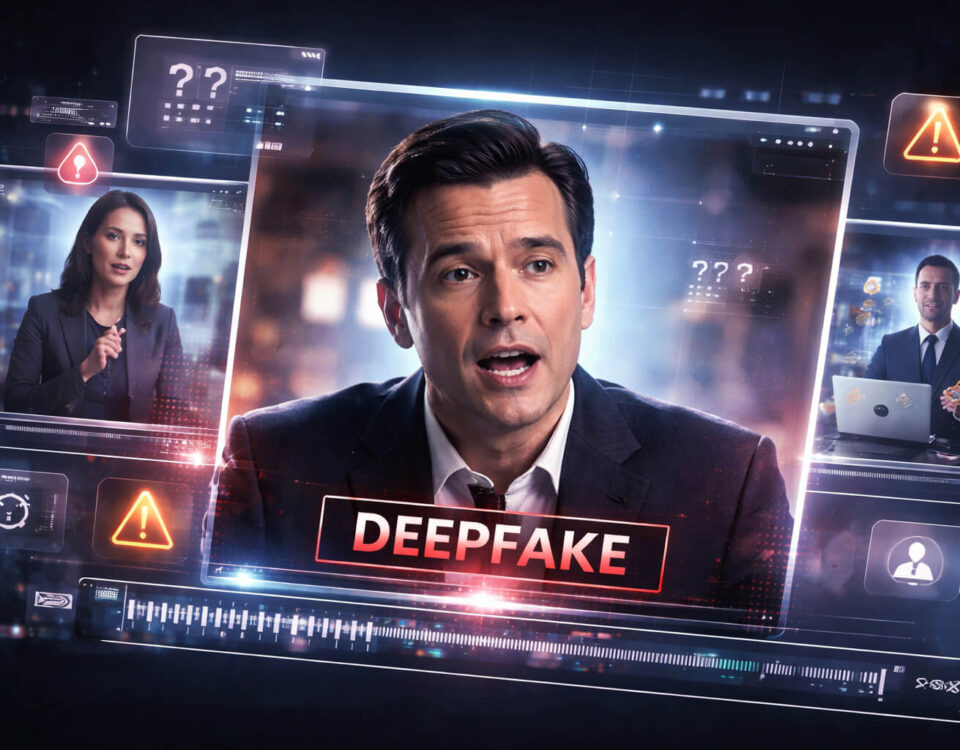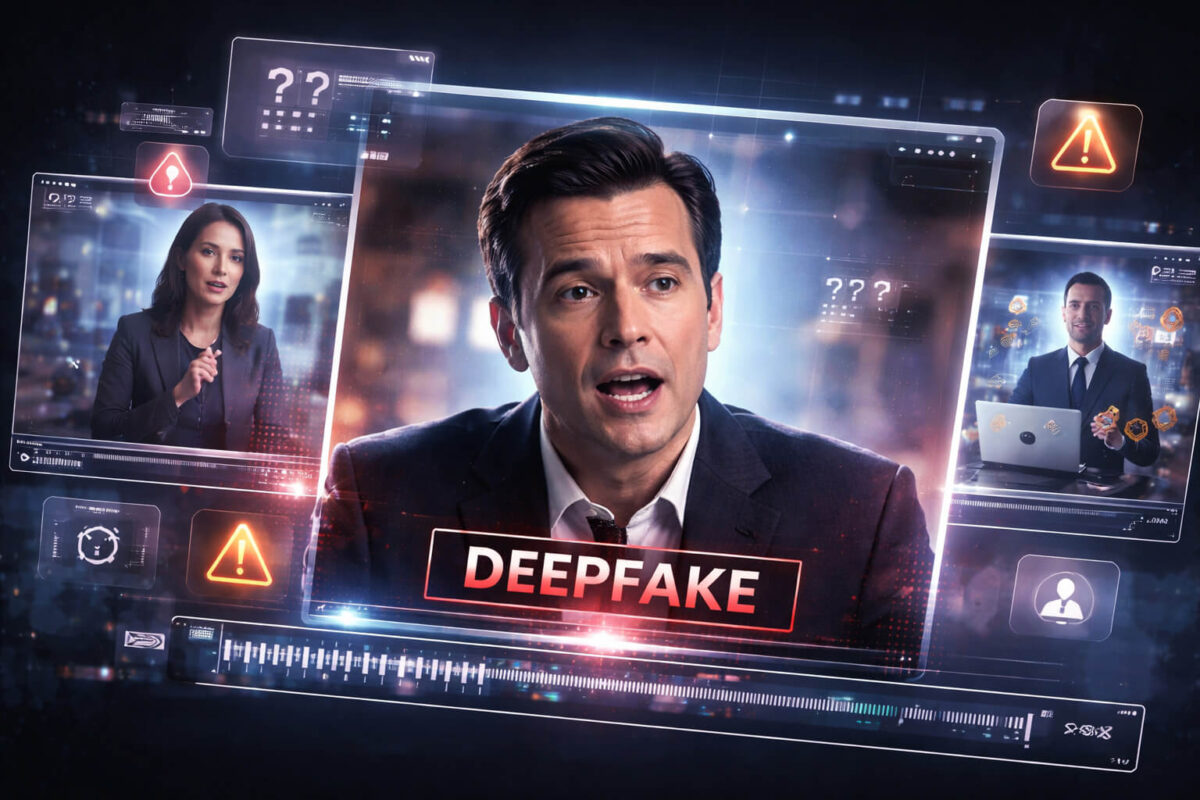
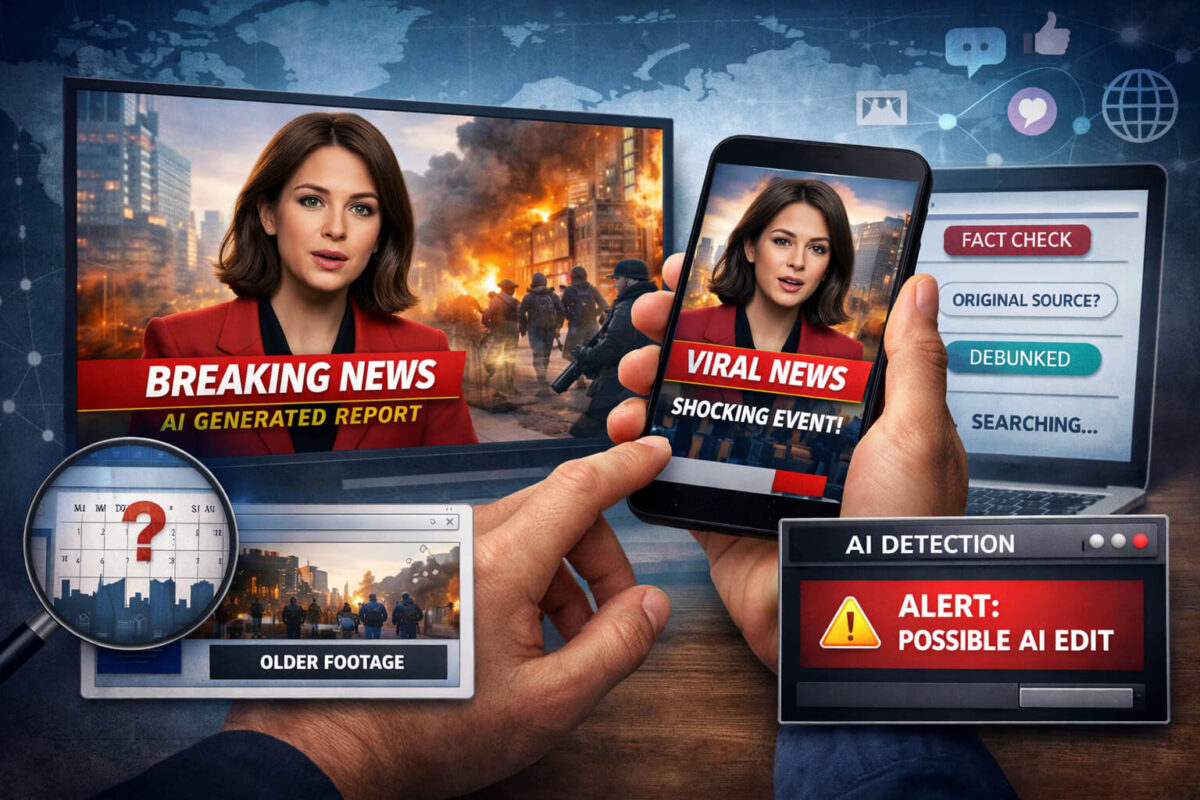
An AI news video can look like a real broadcast in seconds: a familiar anchor, a clean lower-third, dramatic footage, and a confident voiceover that pushes you to share fast. The problem is that “news style” is one of the easiest formats to fake. Templates, stock footage, AI voice, and simple editing are enough to create a convincing clip that spreads before anyone checks where it came from.
Quick Take
Verifying an AI news video is mostly about slowing down and separating the “story” from the “clip.” Identify the exact claim, find the earliest upload, confirm the time and place with independent sources, and then evaluate the video for manipulation and mismatched context. If the clip is high-impact or suspicious, run it through Detect AI Video for an extra signal, but treat any tool result as a clue, not a verdict.
Why AI News Videos Spread So Fast
AI-made “news” works because it matches how people already process information online:
- Authority cues: Studio lighting, anchor framing, and news graphics trigger trust.
- Emotional urgency: Fear, outrage, and “breaking news” language short-circuit skepticism.
- Low friction sharing: A short clip feels like evidence, even without a source.
- Platform momentum: Recommendation algorithms amplify engagement, not accuracy.
This is why your verification process needs to be simple, repeatable, and fast.
Step One: Define the Claim in One Sentence
Before you analyze pixels, write down what the clip is actually claiming. Not the caption, not the comments, not the vibe.
Ask:
- What happened?
- Where did it happen?
- When did it happen?
- Who is involved?
- What is the evidence shown in the clip?
If you cannot state the claim clearly, you cannot verify it. Many viral hoaxes collapse right here because they rely on vague wording like “this just happened” or “they are hiding this.”
Step Two: Find the Earliest Upload (Not the Most Popular One)
The fastest way to expose misinformation is to identify who posted it first.
Do this:
- Search the exact phrase from the caption in quotes.
- Check multiple platforms (X, TikTok, YouTube, Facebook, Telegram).
- Look for repost chains: the “original” is often a smaller account with fewer views.
What to look for:
- A first upload with no source credit is a red flag.
- Accounts that post many “breaking” clips with no follow-up are a red flag.
- A brand-new account pushing a major claim is a red flag.
If the earliest upload is not a credible publisher, treat the clip as unverified until you confirm it elsewhere.
Step Three: Confirm Context (Time, Place, and Event)
Most viral “fake news video” problems are not advanced AI. They are context swaps: old footage, different country, different protest, different storm, different year.
Quick context checks that work
- Weather match: Does rain, snow, fog, shadows, or daylight match the claimed location and date?
- Landmarks: Compare buildings, road signs, terrain, uniforms, and vehicles to known images of that location.
- Language and accents: Do the spoken language and signage match the region?
- Event consistency: If it claims “today,” why is there no coverage from major outlets yet?
This is where news verification becomes a habit. You are not only checking if a video is edited, you are checking if it is being described honestly.
Step Four: Scan for “Newsroom” Tricks That Fakes Often Get Wrong
AI news videos commonly reuse the same visual shortcuts. Here are high-signal cues:
Graphics and lower-thirds
- Slightly “off” spacing and alignment (padding looks inconsistent).
- Logos that look close but not exact (wrong kerning, imperfect shapes).
- Lower-third text that changes style mid-sentence.
On-screen text and tickers
- Tickers that scroll at odd speeds or jump.
- Misspellings that a real newsroom would never broadcast.
- Headlines that feel sensational or legally risky.
Studio realism
- Reflections on desks and glass that do not behave naturally.
- Hair edges that shimmer or “crawl” when the head moves.
- Earrings, glasses, or collars that warp subtly between frames.
None of these proves AI by itself, but multiple issues together are meaningful.
Step Five: Listen Like a Skeptic (Audio Is Often the Weak Link)
Even when visuals look clean, audio can reveal manipulation:
- Voice tone mismatch: Emotional delivery does not match the situation.
- Unnatural breathing and pacing: Too smooth, too perfect, or oddly timed pauses.
- Room tone problems: Studio voice with street noise, or vice versa.
- Cut artifacts: Tiny jumps in background sound where edits were made.
If the “anchor voice” sounds cloned or suspicious, cross-check with your voice deepfake knowledge: real broadcasts have consistent mic quality, consistent ambiance, and consistent speaking patterns.
Step Six: Use Technical Checks That Anyone Can Do
You do not need forensic software to catch most fake news clips.
Extract and search keyframes
- Pause on a clear frame (a face, a building, a vehicle, a banner).
- Screenshot it.
- Run a reverse image search or video search using that frame.
- Repeat with 2–3 frames from different moments.
If you find the same visuals from years ago, the clip is almost certainly repackaged misinformation.
Check for re-uploads and edits
Re-uploading often removes evidence and adds persuasion:
- Cropped borders to hide original source watermarks.
- Added captions to steer interpretation.
- Added background music to mask audio cuts.
This is where video verification steps help: capture the earliest version you can find and compare it to the version going viral now.
Look for provenance signals (when available)
If a clip comes from a creator who uses transparency standards, you may find helpful provenance data:
- content credentials attached to the media
- C2PA metadata indicating how and where it was created or edited
- a traceable chain that supports video provenance
Not all platforms preserve this data, and not all creators use it, but when it exists it can speed up verification dramatically.
Step Seven: Use AI Detection Tools the Right Way (Signal, Not Proof)
Tools can help you triage a suspicious AI news video, especially when you are dealing with many clips. The key is not to treat the output like a courtroom verdict.
A good workflow looks like this:
- Confirm context and source first.
- Run the clip through Detect AI Video as an extra signal.
- If the tool flags manipulation, treat it as a prompt to dig deeper, not a final answer.
- If the tool does not flag manipulation, do not assume the video is real. Context swaps and re-edits can still fool detection.
This approach keeps you accurate and avoids false confidence.
Common AI News Video Scenarios (and How to Respond)
“Breaking news” during disasters
Scammers know people search for emergencies. Verify with official agencies and local outlets, and watch for old disaster footage reused with a new caption.
Election and political clips
Look for full-length originals and official streams. Short clips are often cut to change meaning. If the speaker looks subtly inconsistent, consider whether it resembles AI impersonation patterns.
Celebrity “announcements”
Fake celebrity endorsements and sudden “confessions” are a classic lure. If money, crypto, or urgent calls-to-action are involved, treat it like a scam and compare with your scam videos checklist.
Platform-specific repackaging
Some fakes are optimized for TikTok or Shorts with aggressive captions and fast cuts. If the clip feels engineered for virality, compare tactics you have seen in TikTok deepfakes.
A Practical Verification Checklist You Can Reuse
Use this as a quick routine before you share:
- What is the exact claim in one sentence?
- Who posted it first, and are they credible?
- Does the time and place match what the clip shows?
- Can I find the original longer version?
- Do keyframes match older footage online?
- Do graphics, text, and audio show inconsistencies?
- Do multiple independent sources confirm the event?
- If needed, did Detect AI Video add any useful signal?
If you cannot answer these, do not share it as fact.
Final Thoughts
AI news videos are designed to borrow trust from the look of journalism while skipping the accountability that real journalism requires. The solution is not paranoia, it is process: define the claim, verify origin, confirm context, and then evaluate the media itself. When the stakes are high, combine common-sense cross-checks with tools like Detect AI Video and provenance standards such as content credentials to reduce the chance you spread a polished fake.
FAQ: AI News Video Verification
What is an AI news video?
An AI news video is a clip that uses AI-generated or AI-edited elements (such as an AI anchor, AI voice, synthetic footage, or altered scenes) to imitate real news reporting and make a story look credible.
How can I tell if a viral news clip is AI-generated?
Look for a mix of signals: unclear original source, mismatched time or place, strange lower-third graphics, inconsistent lighting, subtle face warping, unnatural voice pacing, and missing coverage from reliable outlets. If several red flags stack up, treat it as suspicious.
Is there a minimum number of checks I should do before sharing?
Yes. At minimum: define the claim, find the earliest upload, confirm the time and place, and look for independent confirmation. If any of these fail, do not share it as verified news.
What’s the fastest way to verify a viral AI news video?
The fastest reliable method is to find the earliest version and cross-check it with trusted sources. Then screenshot keyframes and search them online to see if the footage existed before with a different story.
Can AI detection tools prove a video is fake?
No. Detection tools provide a signal, not proof. Use them as a helpful step after you check source and context. A tool can miss context swaps, and it can sometimes flag real footage by mistake.
Why do AI news videos often look “real” at first glance?
They borrow the visual language of journalism: studio framing, clean graphics, confident voiceovers, and “breaking news” cues. Those authority signals trigger trust, especially when the clip is short and emotional.
What should I do if someone shared a fake AI news video in a group?
Reply calmly with one clear correction: what the claim was, what you found as the original source (or lack of it), and one strong proof point (like older footage or a verified report). Avoid shaming, focus on helping the group verify before sharing again.
Do AI watermarks or content credentials always exist on AI videos?
No. Some creators use AI video watermark, content credentials, or C2PA metadata, but many platforms strip metadata and many fake creators avoid it. If provenance data is present it helps, but its absence does not prove anything.