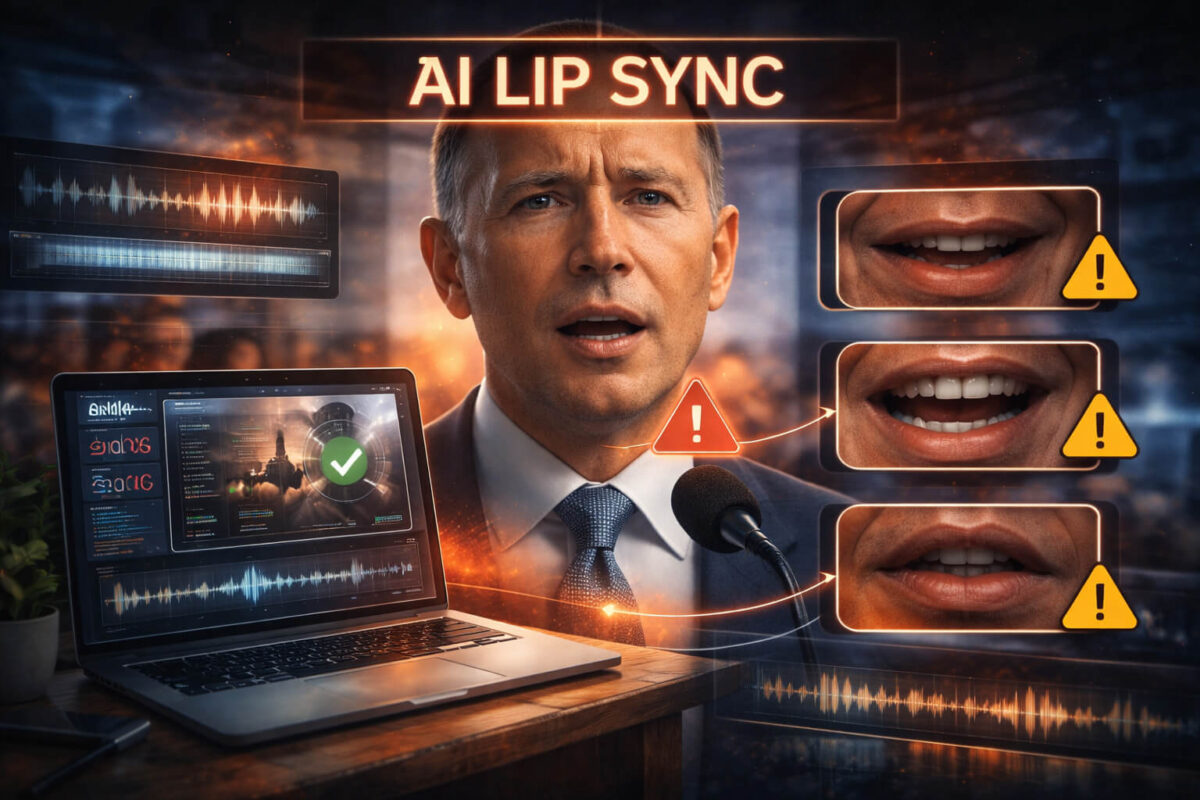
AI lip sync used to look like a cheap movie dub. Today it can look surprisingly convincing, especially in short clips on social media where you do not have time to study every frame. That is why AI lip sync is now a common ingredient in misinformation, scam ads, fake celebrity endorsements, and manipulated “apology” videos.
The good news is you do not need expensive software to catch most mismatched speech. With the right habits, you can spot the majority of synthetic lip sync clips in under a minute. This guide gives you simple visual and audio checks, a practical verification workflow, and a quick checklist you can repeat every time.
The “Share Pause” Summary
AI lip sync often breaks in small, consistent ways: mouth shapes that do not match sounds, timing drift, unnatural facial motion, and audio that does not fit the scene. Start with a fast human check, confirm context, then use Detect AI Video as an extra signal when the clip feels high risk.
What AI Lip Sync Actually Is
AI lip sync is a technique that changes mouth movement to match new audio, or changes audio to match a new mouth track. It can be used for harmless dubbing and accessibility, but it is also used to make someone appear to say something they never said.
Two common variants matter for verification:
- Audio-driven lip sync: the system generates mouth shapes to fit a voice track.
- Face-driven lip sync: the system adapts lip movement from another video onto a target face.
Lip sync is often combined with other manipulation methods like face swaps and synthetic voice. If a clip feels “too perfect,” it may be more than one technique layered together.
The Quick-Check Method in 30 Seconds
Before you replay a video five times, do this fast pass:
- Watch once without pausing. Trust your first impression.
- Watch again only focusing on the mouth and jaw.
- Watch a third time focusing on the cheeks, chin, and teeth.
If you feel even a small mismatch, move straight to the red flag checks below. Speed matters because viral clips win when people share before thinking.
Visual Red Flags You Can Spot Without Tools
The “B P M” Mouth Test
Certain sounds require a clear lip closure, especially B, P, and M. In real speech, lips fully close and reopen with a crisp timing. In AI lip sync, you often see:
- lips that do not fully close
- lip closure that is delayed
- lip closure that looks like a smooth animation rather than a quick physical movement
Play a section where the speaker says words like “maybe,” “people,” “problem,” or “important.” If the lips do not behave like real muscle movement, treat the clip as suspicious.
Teeth and Tongue That “Teleport”
Teeth are a common failure point. In synthetic lip sync you may notice:
- teeth that appear too uniform or too bright compared to lighting
- teeth that shift position across frames
- tongue that appears briefly in impossible angles
A quick trick is to watch the front teeth and the corners of the mouth. When the model struggles, the edges flicker or the teeth look like a static overlay.
Jaw and Cheek Movement That Does Not Match Speech Effort
Real speech moves more than lips. When someone speaks loudly, emotionally, or quickly, the jaw, cheeks, and chin react. AI lip sync sometimes keeps the face too stable. Look for:
- mouth moving while cheeks stay strangely still
- jaw opening that looks shallow even when the audio is loud
- chin skin not reacting naturally to big mouth shapes
If the audio suggests strong emphasis but the face looks calm and motion-light, that mismatch is a strong signal.
Edge Artifacts Around the Lips
AI lip sync frequently creates a “mask boundary.” Watch for:
- blur around the lip line that comes and goes
- shimmering edges at the corners of the mouth
- smoothing that makes lipstick or beard detail fade unnaturally
- tiny warping where lips meet skin
These artifacts often get worse when the head turns, when lighting changes, or when the person smiles.
Facial Hair, Makeup, and Skin Texture Mistakes
Beards and mustaches are hard because they contain fine detail. Lipstick and gloss reflect light. AI lip sync may cause:
- beard texture that melts around the mouth
- mustache hairs that bend in the wrong direction
- lipstick edge that becomes soft or “painted”
- pores disappearing only around the mouth region
If the rest of the face is sharp but the mouth area looks cosmetically smoothed, be careful.
Audio-to-Video Mismatch Clues
Timing Drift
The most common lip sync giveaway is timing. The audio leads or lags the mouth by a fraction of a second. You may feel it as “off,” even if you cannot explain why.
Test it like this:
- Find a word with a clear start, like “today,” “stop,” or “please.”
- Watch the moment the word begins.
- The mouth should begin shaping the sound at the same time, not after.
If the start and end of words do not line up consistently, the clip is likely manipulated.
Audio Quality That Does Not Match the Camera
Scam and fake endorsement videos often use studio-clean voices on low quality footage. Listen for:
- voice that is too clean for a noisy environment
- no room echo in a large space
- perfectly even loudness despite head movement
- missing micro sounds like breaths and lip smacks
If the environment looks like a street but the voice sounds like a podcast booth, that is a mismatch worth investigating.
Emotion and Breath Patterns That Feel Wrong
Synthetic audio and synthetic lip sync often struggle with natural emotion. Signs include:
- laughter without facial participation
- anger without tension in the jaw
- long sentences without breathing breaks
- unnatural pauses where the mouth keeps moving
This matters because many AI lip sync clips are paired with voice deepfake audio. If both face motion and voice feel unnatural, your confidence should rise quickly.
Context Checks That Catch Most Fake Clips
Even if the lip sync looks good, fake clips often fail the context test.
Find the First Uploader
Most viral re-uploads hide the original source. The earlier you can find the first post, the more you can verify:
- Was it posted by the person’s official account?
- Was it posted by a reputable organization?
- Does the account have a history of manipulative content?
This step alone eliminates a large percentage of hoaxes.
Confirm Place and Time
Look for simple reality anchors:
- weather and lighting
- clothing and season
- language and cultural cues
- background signs, logos, or known locations
If the clip claims “today” but the background details do not fit, treat it as suspect.
Watch for Re-Edits
Re-uploads often change speed, pitch, or crop the face tighter. Cropping hides artifacts. Speed changes can mask timing issues. If you see:
- tight crop on the mouth
- heavy filters
- aggressive compression
then the uploader may be intentionally hiding manipulation.
When a clip seems high-impact, do not rely on a single view. Use a stronger workflow like video verification steps or a more careful news verification process for anything that could influence decisions.
Where AI Lip Sync Shows Up Most Often
Scam Ads and Influencer “Deals”
A common scam pattern is a fake influencer ad that pushes a product, investment, or giveaway. The mouth matches a script, but the face does not fully behave like the person.
If the video tries to pressure you to act fast, treat it as a high-risk clip. This is often paired with other deception signals. If you want a deeper checklist for these cases, you can connect this topic naturally to scam videos.
“Celebrity” Endorsements and Fake Statements
AI lip sync is heavily used to create fake celebrity clips. The face is recognizable, the mouth appears to talk, and the message is emotionally designed to trigger shares.
If you see a famous person saying something shocking, assume it might be manipulated until proven otherwise. This connects directly to AI impersonation patterns.
Deepfake Interviews and “Confessions”
Sometimes lip sync is added on top of a deeper manipulation. For example, a real video is altered with new audio and mouth motion. These cases can overlap with deepfake detection or a broader deepfake video workflow.
A Practical Verification Workflow
Here is a workflow that stays fast but increases accuracy.
Step One: Human Checks First
- Run the visual red flags
- Run the audio mismatch checks
- Run context checks
If two or more checks raise concerns, proceed.
Step Two: Use a Tool as an Extra Signal
Tools can help you move faster and add confidence, but they should not be your only source of truth. Use Detect AI Video when:
- the clip is high-impact
- the uploader is unknown
- the video is heavily cropped or compressed
- the claim would cause harm if false
Think of tools as part of a decision stack, not a final verdict.
Step Three: Cross-Check Before You Share
- look for the original upload
- verify with credible reporting or official sources
- compare against other angles or full-length versions when available
Even a perfect-looking clip can be misleading if the caption is wrong.
The Save-and-Use Checklist
Use this checklist every time you feel uncertain:
- Does the mouth match B P M sounds naturally?
- Do teeth and tongue look stable and realistic?
- Do jaw and cheeks match the effort of the voice?
- Are there edge artifacts around the lips?
- Does timing drift appear across multiple words?
- Does audio quality match the scene?
- Can you find the first uploader and full context?
- If high-risk, check with Detect AI Video and then cross-check sources
If three or more items fail, do not share the clip as real.
Common False Alarms (So You Don’t Flag Real Videos)
Dubbing and Translation
Dubbing can look like lip sync manipulation, especially in edited content. If the video is clearly dubbed, look for official release context before calling it fake.
Low Frame Rate and Compression
Low FPS can make mouth motion look jumpy. Heavy compression can blur details and create artifacts that resemble AI. In these cases, rely more on context checks and original source hunting.
Laggy Audio in Screen Recordings
Sometimes a screen recording introduces audio delay. Look for signs like system overlays, playback UI, or screen capture artifacts. If so, test with the original uploaded video rather than the screen recording.
Creator Corner (If You Publish Videos)
If you publish content, you can reduce false accusations by:
- uploading higher quality originals
- avoiding aggressive beauty filters
- keeping a consistent official posting channel
- maintaining clear provenance when possible
Clear provenance makes verification easier for your audience.
Final Takeaway
AI lip sync is designed to steal your confidence, not your attention. If you pause, run a few fast checks, confirm context, and use Detect AI Video when the clip feels risky, you will avoid most manipulated videos without turning verification into a full-time job.
FAQ
What is AI lip sync in simple terms?
AI lip sync is when software alters a person’s mouth movement to match different audio, making it look like they said something they did not.
What is the easiest way to spot AI lip sync fast?
Start with the B P M test and timing drift. If lip closure and word timing feel wrong, the clip is likely manipulated.
Can AI lip sync be perfectly undetectable?
Some clips can look very convincing, especially when short and heavily compressed. That is why context checks and source verification matter as much as visuals.
Is AI lip sync the same as deepfake video?
Not always. Lip sync can be a part of a deepfake, but some deepfakes replace the whole face. For broader cases, use a full deepfake detection approach.
Do tools reliably detect AI lip sync?
Tools can be helpful signals, especially when combined with human checks. Use Detect AI Video as a support layer, then confirm with sources.
Why do scam videos use AI lip sync so often?
Because it creates credibility quickly. Scammers can make a familiar face “say” a script that pressures users to click, pay, or share.