Why Runway Video Looks Real, Until It Doesn’t
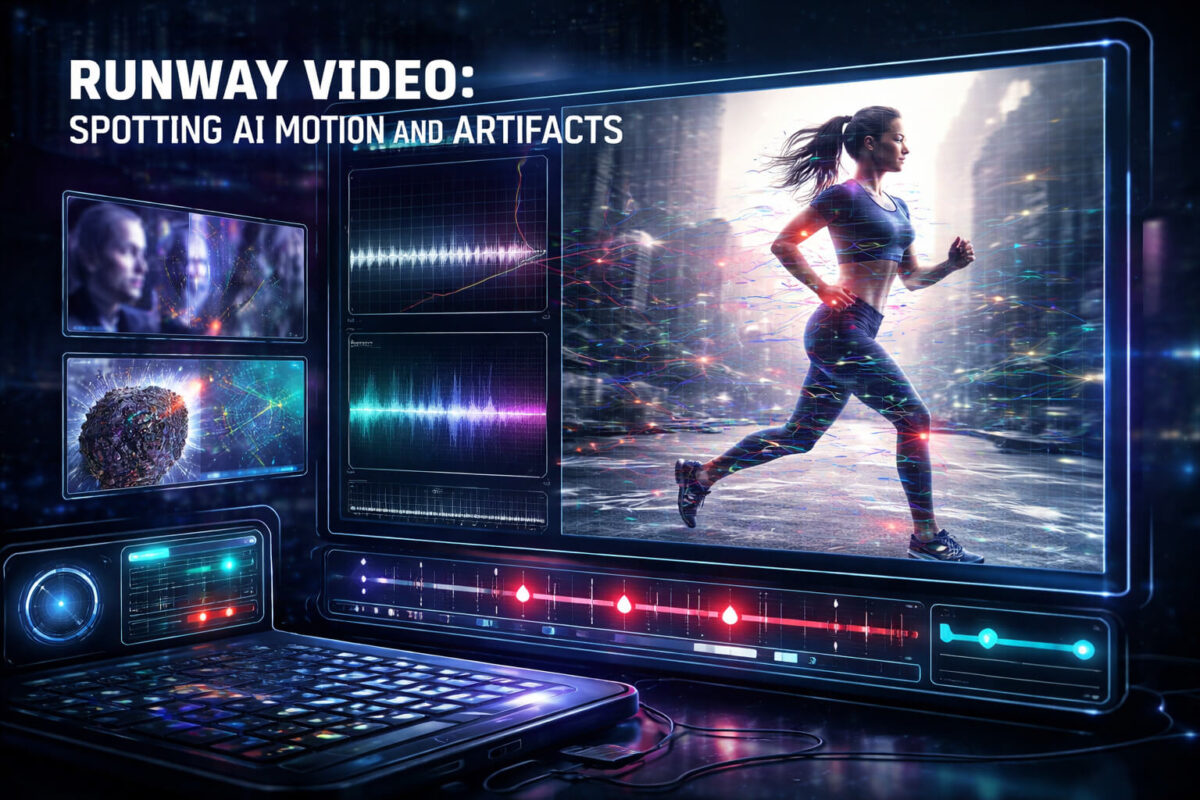
Runway-style AI tools can generate video from text, animate images, or “edit reality” with background swaps and object changes. The results often look convincing in a quick scroll, especially on social media where compression hides flaws. But when you slow down and know where to look, AI-created motion and artifacts tend to repeat the same patterns.
This guide is built for speed and clarity. You will learn the most reliable visual tells, how to confirm context, and how to use Detect Video AI as a second opinion when something feels off.
What People Usually Mean by “Runway Video”
When someone says “this is a Runway video,” they typically mean one of these:
AI generated footage
The whole scene is synthesized. AI tries to maintain consistent characters, physics, and lighting across frames, which is still hard.
AI edited footage
A real clip is modified. Common edits include replacing a background, removing objects, changing clothing, adding elements, or altering faces. These edits often leave edge artifacts and lighting mismatches.
AI assisted motion
A still image becomes a moving clip. The motion can look cinematic, but details drift over time, especially around hair, hands, text, and repeating textures.
Understanding which type you are dealing with helps you find the right “weak points.”
The 60 Second Triage Checklist
If you only have one minute, do this:
- Watch once normally, then watch again at 0.5x speed
- Focus on hands, teeth, hairlines, and edges of objects
- Look for flicker on textures like skin, fabric, and backgrounds
- Check shadows and reflections for contradictions
- Pause on frames with text, logos, or signs and see if they stay stable
- Ask: “Does motion follow physics, or does it glide and morph?”
- If it still feels suspicious, run a quick check with Detect AI Video
Now let’s break down the highest-signal clues.
Motion Clues That Give AI Away
AI can create motion that feels smooth, but “smooth” is not the same as real. Real motion has tiny imperfections, consistent weight, and believable cause and effect.
The “glide” problem
Watch feet, wheels, and contact points. AI often makes people slide as if friction is missing. You may see a foot land, but the body continues moving in a way that does not match momentum.
Unnatural acceleration
AI motion sometimes speeds up or slows down without a physical reason. It can feel like an invisible hand is pulling objects through space.
Joint behavior that looks rubbery
Arms and shoulders may bend oddly. Elbows can shift position frame to frame. Hands may look fine for one moment and then “melt” or change shape during fast gestures.
Camera movement that feels synthetic
AI can fake handheld shake and parallax, but it may produce drifting backgrounds, unstable depth, or a “floating” feeling where the camera moves but the world does not respond realistically.
Runway Style Artifacts You’ll See Again and Again
Even when a clip looks great at first, these artifacts show up if you pause and scan.
Texture boiling
Skin, fabric, hair, and walls may shimmer as if painted over every frame. This is one of the most common signs of AI generation or heavy AI editing.
Edge shimmer
Look at outlines: jawlines, glasses, fingers, earrings, collars, and objects against a bright background. AI edits often leave a subtle crawling edge.
Background morphing
Walls, trees, crowds, and signs can “breathe.” Details shift without the camera actually changing. This often appears in AI inpainting or background replacement.
Identity drift
A person’s face might subtly change. The nose shape, eyelids, or cheekbones can drift. Clothing patterns may also shift slightly over time.
Hands, Faces, and Accessories
If you want fast wins, this section matters.
Hands are still a top giveaway
Hands can look realistic in one frame and then break in the next. Watch for:
- Fingers changing length
- Extra finger hints during motion
- Rings and nails warping
- A thumb that moves in a way that is not anatomically possible
Mouth and teeth inconsistencies
Teeth may flicker or look too uniform. Tongue movement may not match speech. Even if lip sync is decent, the micro-details can be wrong.
Hair and beards
Hair is hard because it contains many thin strands and complex highlights. AI sometimes turns hair into a soft painted mass that flickers. Beards can look “airbrushed” or change density.
Glasses, jewelry, and hats
These items have strong edges and reflections, which makes them sensitive. Watch for:
- Earrings that float or twist
- Glasses reflections that do not match the scene
- Hat brims that distort with head movement
Text and Logos Are a Weak Spot
Text is one of the fastest ways to spot AI, especially in AI generated footage.
What to check
Pause on frames with:
- Shirt text
- Road signs
- App UI
- Brand logos
- Subtitles baked into the video
Common AI tells
- Letters swapping shape between frames
- Curves that break or wobble
- Logos that look “almost right” but slightly off
- Text that becomes unreadable for a moment during movement
If a clip is supposed to show proof, like a receipt, a message, or a dashboard, unstable text is a huge red flag.
Lighting, Shadows, and Reflections
AI can approximate lighting, but consistency is difficult.
Shadow direction conflicts
If light is coming from the left, shadows should agree. AI sometimes produces shadows that point in different directions or that change when the subject moves slightly.
Missing contact shadows
Objects touching a surface should create a small shadow or dark contact area. AI sometimes forgets this, making subjects look pasted onto the scene.
Reflections that disagree
Mirrors, windows, glossy tables, and car paint expose AI quickly. Reflections may be missing, delayed, or show a different pose than the subject.
Audio and Timing Checks
Runway clips may include AI voiceovers or altered audio. You can spot problems even without technical tools.
Voice sounds too clean
Scams often use voices that have perfect clarity with no room noise, even when the video shows a noisy environment.
Room echo mismatch
If the person appears in a large room but the audio is dry and close, something is off.
Lip timing issues
Look for consonants like P, B, M. The lips should close. AI lip sync sometimes misses these details.This connects directly with voice deepfake content, so if your clip relies heavily on speech, you may want to cross-check with a dedicated audio-focused guide later.
Context Verification That Actually Works
Even the best AI detection tips can be fooled by a clean clip. Context verification is where you catch most viral fakes.
Find the earliest version
Look for who posted it first. Reuploads add captions that can rewrite the story.
Separate the claim from the clip
Ask: what does the clip truly show, and what is the caption claiming?
Search key frames
Screenshot a clear frame and reverse search it. Often the original is from a different time or a different place.
Check credible sources
If it is news-like, cross-check with reputable reporting. If no credible source is covering a huge event, be suspicious.
This is the core of news verification and it is one of the highest ROI habits you can build.
Use Detect Video AI as a Second Opinion
When a clip is suspicious or high impact, don’t rely on your gut alone.
Use Detect AI Video when:
- Motion looks “floaty” but you can’t explain why
- Faces are mostly stable but details drift
- The clip includes heavy edits like background swaps
- You need a quick confidence signal before sharing
A tool can help highlight patterns humans might miss in a fast watch. But treat results as a strong signal, not absolute proof. Your final decision should include context checks and source validation.
Common Scenarios Where Runway Style Fakes Spread
Here are the most frequent situations where people get fooled:
Viral influencer ads
A person “endorses” a product in a clip that looks like a casual selfie video. Often the voice, timing, or branding is inconsistent.
This overlaps heavily with scam videos and is worth treating as high risk.
Celebrity or politician clips
Even short clips can be manipulated to change meaning. Often the edit is not the face, it is the timing, audio, or missing context.
That’s also where AI impersonation becomes a big issue.
Proof based videos
Anything that claims “look, this happened” is a target. The goal is to trigger emotion and urgency.
In these cases, apply the triage checklist, then verify sources before you react.
What to Do If You Suspect the Video Is AI
- Do not share it as fact
- Save the link and take a screenshot of the caption
- Look for the earliest upload and supporting sources
- If it is a scam, report it and warn others with a verified explanation
- Use video verification steps before deciding what to believe
Quick Recap You Can Use Every Time
Runway video fakes usually reveal themselves through motion that breaks physics, flickering textures, unstable edges, and drifting details around hands, hair, and text. When the stakes are high, combine visual checks with context verification and a fast scan using Detect AI Video, then share only what you can confirm from reliable sources.
FAQ
What is a “Runway video” exactly?
Most people use the phrase to describe AI generated or AI edited video made with Runway-style tools, including text-to-video, image animation, and smart edits like inpainting or background replacement.
What is the fastest sign a clip is AI?
Hands and text. If fingers deform during motion or text/logos shift frame to frame, the chance of AI generation or heavy AI editing is high.
Can compression hide AI artifacts?
Yes. Heavy compression can hide flicker and edge shimmer. That’s why slowing down and pausing on key frames matters.
Are AI edited videos harder to detect than fully generated videos?
Sometimes. A lightly edited real clip can look very convincing. In those cases, lighting mismatches, edge artifacts, and context verification are especially important.
Should I trust an AI detector tool alone?
No. Tools like Detect AI Video are best used as a second opinion. The most reliable approach combines tool signals with source checks and context verification.
How can I verify a viral clip before sharing?
Find the earliest upload, confirm the original context, reverse search key frames, and cross-check with credible sources. If the clip feels off, run it through Detect AI Video and compare results with your findings.