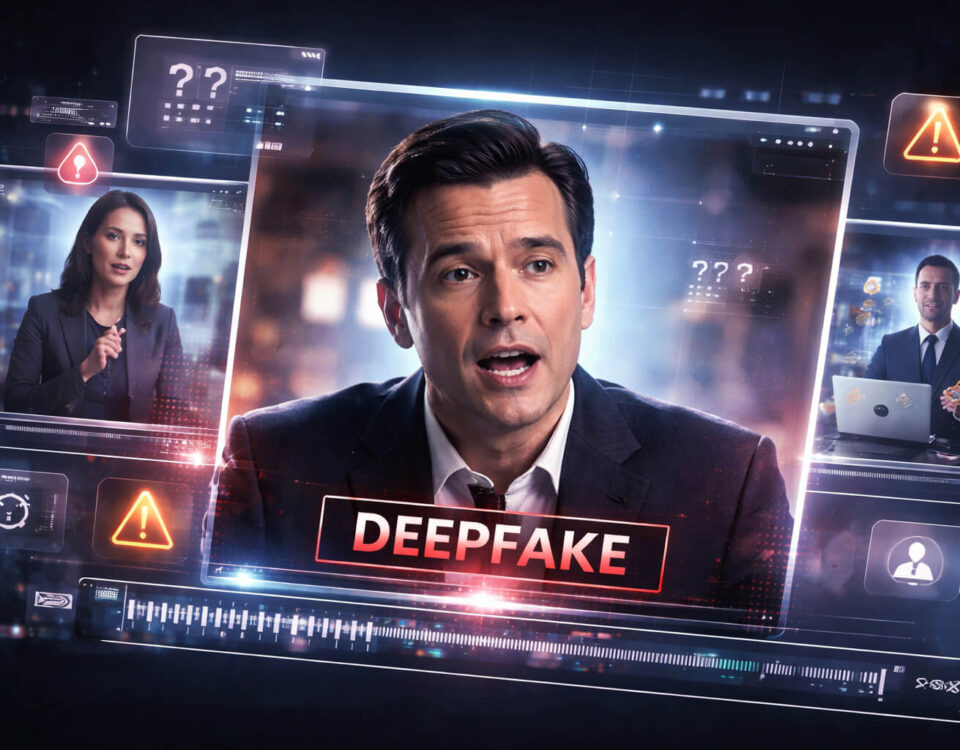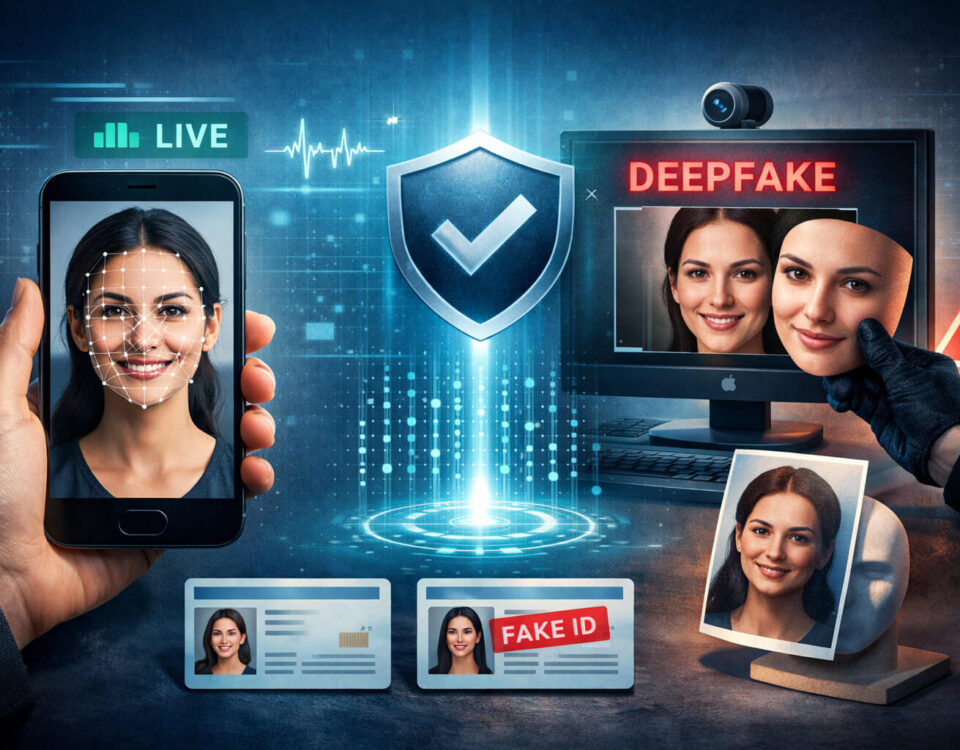
If you have ever paused a video and wondered whether it was created by AI, you are not alone. Synthetic video is getting easier to produce, easier to share, and harder to evaluate in a few seconds. That is why the idea of an AI video watermark matters. In theory, a watermark can act like a label that helps you understand where a clip came from and whether AI tools were involved.
In practice, it is a little more complicated. Some watermarks are obvious. Others are invisible. Some survive edits and re uploads, while others disappear the moment someone screen records a clip. And sometimes there is no watermark at all even if the video is clearly AI generated.
This guide explains what an AI video watermark is, what it can and cannot prove, and how to check it in a way that actually helps you avoid mistakes. You will also see when it makes sense to use Detect AI Video as an extra signal during verification. Think of watermark checks as one useful layer in a smart process, not the final answer by itself.
What an AI Video Watermark Is and What It Is Not
An AI video watermark is a marker that indicates a clip was generated or edited with a specific tool or under a specific workflow. Depending on the system, that marker can be visible, invisible, or stored as metadata.
Here is the most important mindset shift: a watermark is not the same as proof. It is a signal. It can help you verify origin, but it cannot guarantee the story attached to the clip is true. This is the same principle behind video authenticity checks. A clip can be authentic in the sense that it is a real recording, and still be used in a misleading way.
To avoid confusion, let’s separate the common concepts:
- A visible watermark is an overlay you can see on the image, like a logo, label, or small mark in the corner.
- An invisible watermark is embedded into the pixels or signal of the video in a way that is not intended to be seen.
- Metadata is information stored inside the file, such as creation date, software used, and device details. Metadata can be helpful but it is also easy to strip or fake.
- Content labels are platform or publisher disclosures like “AI generated” that may appear next to the post, not inside the file itself.
When someone says “watermark,” they may mean any one of these. For accurate checking, you want to know which type you are dealing with.
Visible vs Invisible Watermarks
Visible watermarks are the easiest to understand. They often appear as small logos, tool names, or creator marks. Many apps and editing tools add these by default, especially in free plans. The problem is that visible watermarks are also the easiest to remove. Cropping, zooming, overlaying, or re encoding can hide or distort them. A screen recording can remove them entirely if the watermark was not burned into the video itself.
Invisible watermarks are designed to survive normal editing and re encoding. They may use subtle changes in the image signal that are hard to notice but can be detected by specialized software. These can be powerful when used correctly, but they have limitations too. If a clip is heavily transformed, resized, compressed aggressively, or combined with other footage, detection can fail.
This is why you should never rely on one method alone. A strong process uses multiple clues.
Where AI Video Watermarks Usually Come From
Watermarks come from different layers of the ecosystem, and that matters because it affects how reliable the watermark is.
Tool level watermarks
Some AI video tools may embed marks into the output. This might be visible in the corner or embedded invisibly. If you see a clear tool mark, it is a helpful clue. But remember, a tool mark could also be added later by someone trying to mislead you.
Platform level labels and marks
Social platforms may show a label next to a post, or they may apply some form of content disclosure. Sometimes it is based on user self disclosure. Sometimes it is based on automated detection. Sometimes it is incomplete. If a platform label exists, treat it as a signal, then verify the clip anyway using video verification habits.
Publisher level markings
Newsrooms, brands, and agencies sometimes apply their own visible watermarks or disclosure cards. These are often reliable as branding, but they are not immune to re uploads. A scammer can rip the video and keep the watermark to borrow credibility. That is why the source matters as much as the mark.
What an AI Video Watermark Can and Cannot Prove
Watermarks are most useful for answering narrow questions.
What a watermark can help you do
- Identify that a clip likely passed through a specific tool or workflow
- Support a claim that the clip is synthetic or AI assisted, if the watermark is genuine
- Help you trace versions of a clip across platforms
- Encourage better disclosure and transparency when used ethically
What a watermark cannot prove
- That the story in the caption is true
- That the person in the clip is really who they appear to be
- That the clip has not been manipulated after watermarking
- That the clip was not screen recorded, remixed, or reassembled
If your goal is to avoid spreading misinformation or getting tricked by a fake video, you need to go beyond the watermark and validate the context.
Why Watermarks Often Disappear
Many people are surprised when they cannot find any watermark at all. That can happen for normal reasons:
- Screen recordings remove file level metadata and may destroy invisible watermarks
- Re encoding through messaging apps strips metadata and compresses heavily
- Cropping removes visible marks
- Editing pipelines can flatten or remove embedded markers
- Some creators export without watermarks intentionally
So no watermark does not automatically mean the clip is authentic. It can simply mean the video took a path that erased the mark.
How to Check an AI Video Watermark in a Practical Way
Here is a workflow that works even when you do not have advanced forensic tools. It is designed for everyday users, creators, journalists, and anyone who needs fast clarity.
Start with a simple visual scan
Before you click anything, watch the clip once without sound, then once with sound. Look for obvious overlays, corner marks, or disclosure cards.
Also look for “soft” watermark signals. These are patterns that often show up when AI generated content is edited or re exported:
- Strange sharpening or smeared fine details
- Inconsistent text rendering in signs, labels, or screens
- Small flickers around edges during movement
These are not proof, but they tell you whether deeper checks are worth the time.
Check how the file was shared
Where did you get the video? A direct file download is different from a forwarded message. Videos shared through apps often lose key data. If the clip arrived via messaging, assume most metadata is gone. That means you must rely more on visual cues and context tracing.
Compare multiple versions to find the earliest upload
Search for the same clip on other platforms. If you find an earlier upload, compare it frame by frame in your head:
- Is the watermark present in one version but not another?
- Did the video get cropped?
- Did someone add a logo later?
This is one of the strongest techniques in news verification, because it helps you separate the original from the remixes.
Run an AI manipulation scan as an extra signal
When a clip looks suspicious or high impact, use Detect AI Video to add a fast, structured signal to your process. The tool is not a substitute for context checks, but it can help you prioritize what to inspect and where artifacts may exist. In real life, speed matters, and a clear signal can keep you from trusting a polished clip too quickly.
Validate context, not only pixels
Even if you confirm the clip is AI generated, you still need to evaluate the claim attached to it. Ask:
- Who posted it first?
- What exactly is the claim in the caption?
- Does the claim match what the video shows, or is it emotional framing?
- Is the clip being used to impersonate someone?
This matters a lot for celebrity content and public figures, where AI impersonation tactics are common.
Common “Watermark Traps” Scammers Use
If you are checking watermarks because you want to avoid fraud, these patterns are important.
“Borrowed credibility” watermarks
A scammer downloads a real watermark video from a trusted page, then uses it to market a fake investment or fake giveaway. The watermark gives the illusion of legitimacy. Your defense is source tracing and checking whether the trusted page actually posted the exact clip.
Fake tool overlays
Someone adds a watermark logo to a video to make it appear AI generated or to create confusion. This can be used to discredit real footage. Your defense is consistency checking. Real tool marks usually have consistent placement, timing, and resolution behavior. Fake overlays often jitter, blur, or scale oddly across frames.
Screenshot and re upload laundering
Scammers pass content through multiple exports to strip metadata and remove labels, then repost as “fresh.” Your defense is version hunting. The original often exists somewhere else with clearer context.
Red Flags That Beat Watermarks Every Time
Even when a clip has a watermark, you should still inspect basic realism. These are some of the most reliable red flags:
- Hands: finger count, knuckle shape, unnatural grip changes
- Teeth and tongue: strange textures or mouth interior artifacts
- Lighting: inconsistent shadows across the face vs background
- Motion: unstable edges around hair, glasses, earrings, or text
- Audio sync: lips not matching phonetics, unnatural breath timing
- Background: objects morphing slightly during camera movement
If you see multiple red flags, treat the clip as untrusted even if a watermark suggests it is legitimate.
Best Practices If You Publish AI Video Yourself
If you create AI content, transparent labeling is good for trust and long term growth. It also reduces the chance your content gets reused in harmful contexts.
- Add a clear note in the post caption when content is AI generated
- Avoid misleading presentation like fake “live news” graphics
- Keep your disclosure consistent across platforms
- If possible, keep a public page explaining your workflow
If your site includes tools and educational guides, you can mention your verification workflow as part of trust building. When relevant, you can point readers to Detect AI Video as a practical check, but always keep it honest: it is one step in a full verification process.
Quick Watermark and Authenticity Checklist
Use this when you want a fast routine:
- Look for visible watermarks and disclosure labels
- Ask how the clip was shared and whether metadata likely survived
- Search for earlier uploads and compare versions
- Check motion, hands, faces, and text stability
- Use Detect AI Video for an added manipulation signal
- Confirm context with reliable sources before sharing
This is a realistic workflow you can repeat without special software.
A Clear Takeaway
Watermarks can be helpful, but they are not a shortcut to certainty. An AI video watermark may tell you that a clip passed through a tool, but it does not automatically tell you who made it, why it was posted, or whether the claim attached to it is true. The safest approach is a layered method: look for watermark signals, trace the source, verify context, and use tools like Detect AI Video to speed up manipulation checks when the stakes are high. When you treat watermarks as one clue inside a broader process, you make better decisions and you share videos with more confidence.
FAQ
What is an AI video watermark?
An AI video watermark is a marker that suggests a video was generated or edited using an AI tool or a specific workflow. It can be visible, invisible, or stored as file metadata.
Does a watermark prove a video is AI generated?
Not always. A watermark is a signal, not proof. It can be removed, faked, or lost during re uploads. That is why you should also check source and context.
Why do some AI videos have no watermark?
Watermarks often disappear after screen recording, re encoding, cropping, or sharing through messaging apps. Some tools also export without any mark depending on settings.
Can someone remove an AI video watermark?
Yes. Visible watermarks can be cropped or covered. Invisible watermarks can fail after heavy compression, resizing, or remixing, although they are designed to be harder to remove.
How can I verify a suspicious clip quickly?
Start with visual red flags, search for the earliest upload, and cross check context. When the clip is high impact or looks edited, use Detect AI Video to add a manipulation signal.
Are watermarks useful for stopping misinformation?
They help, but only when combined with good verification habits. Watermarks can support transparency, but misinformation often spreads through context tricks, not only through hidden edits.