Why Voice Deepfakes Are Surging Right Now
A few years ago, faking someone’s voice convincingly took studios, expensive tools, and a lot of skill. Now it can take minutes. AI voice models can learn a person’s tone, pacing, and accent from short samples, then generate new speech that sounds “close enough” to fool people who are already stressed, distracted, or scrolling quickly.
That’s why voice deepfakes are showing up everywhere: in viral clips, “breaking news” edits, fake influencer ads, and especially scams that try to push you into fast decisions. If the audio sounds urgent, emotional, or authoritative, your brain wants to believe it. That’s the whole trick.
The goal of this guide is simple: help you catch the most common voice deepfake patterns quickly, then verify what you’re hearing before you share it, pay money, or trust it.
What a Voice Deepfake Actually Is
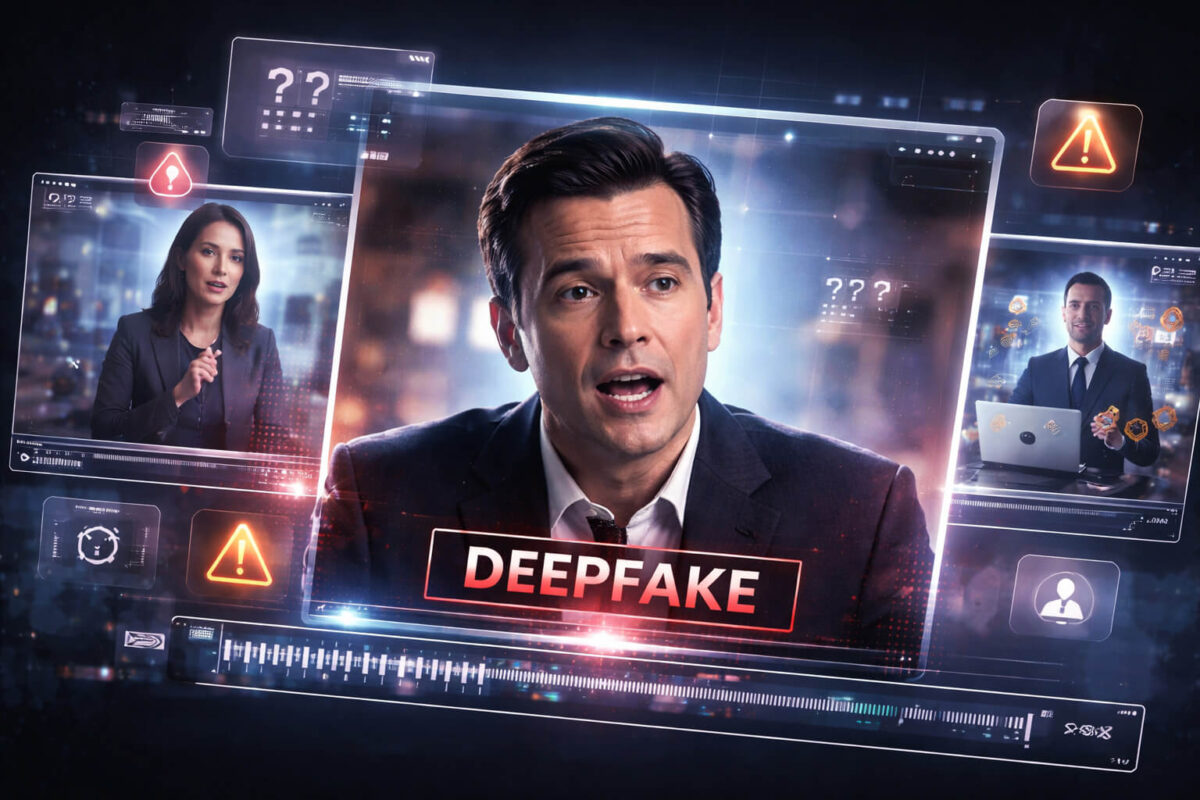
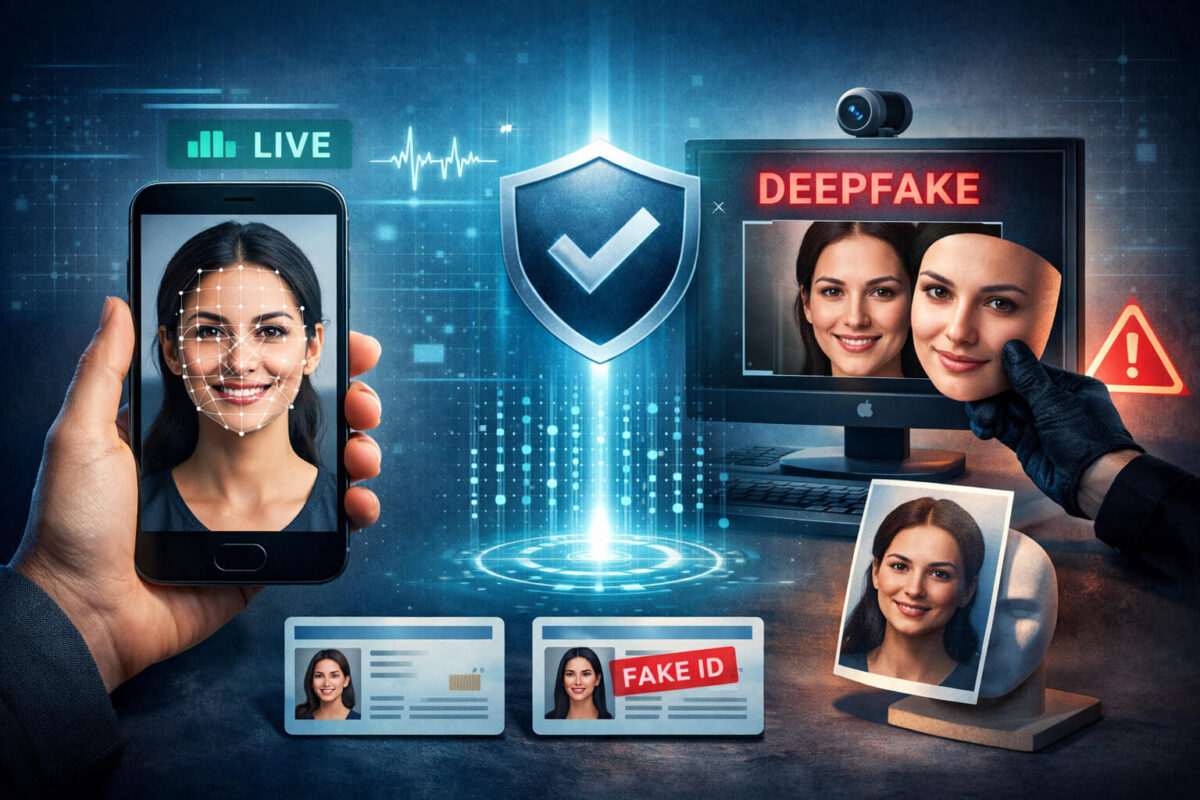
A voice deepfake is audio that uses AI to imitate a real person’s voice. It usually falls into one of these buckets:
- Voice cloning: AI generates new speech in a target person’s voice (even if they never said those words).
- Voice conversion: A real recording is transformed so the speaker sounds like someone else.
- Synthetic narration: A “human-like” AI voice is used as a narrator, sometimes pretending to be a real person.
In videos, voice deepfakes often appear as hybrid fakes, which means parts are real and parts are manipulated. For example:
- Real video + AI audio
- AI video + real audio
- A real clip with a few edited audio lines inserted
This is important because many people look only for fake faces. But audio manipulation can be easier to hide, especially when the clip is short or the speaker isn’t clearly visible.
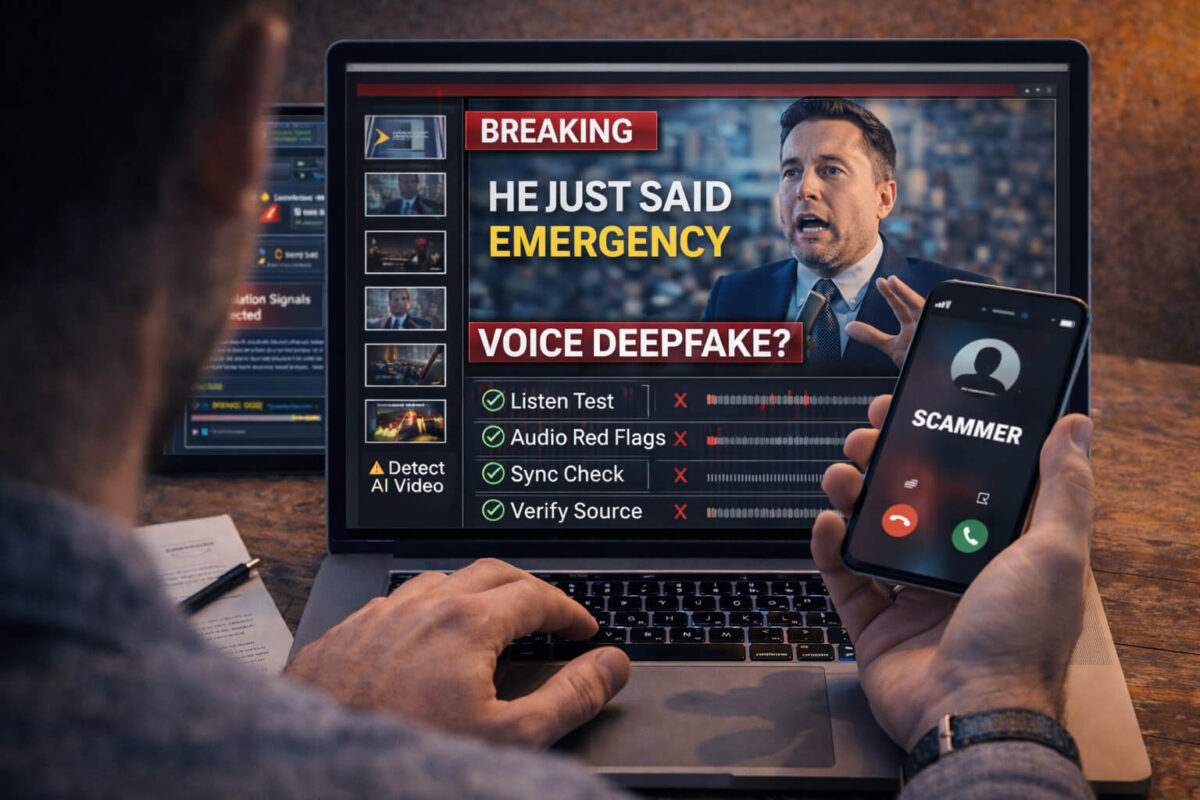
The 30-Second “Listen Test” (Fast Checks Anyone Can Do)
If you want a quick way to catch problems, do this before you do anything else. It takes less than a minute and works surprisingly well.
Check #1: Rhythm and micro-pauses
Real people pause in messy ways: half-words, awkward stops, quick breaths, and tiny stumbles. AI voices often pause too cleanly, like the speaker is reading a script perfectly.
Check #2: Emotion consistency
Ask: does the emotion in the voice match the situation on screen?
Common mismatch patterns:
- The voice is extremely calm during a “panic” moment
- The voice is dramatic while the face is neutral
- The speaker claims urgency, but the pacing stays steady and polished
Check #3: Breathing and natural imperfections
In real speech, you often hear breath noise, slight mouth clicks, a tiny swallow, or subtle changes when someone turns their head. AI frequently removes or misplaces those imperfections.
Check #4: Over-clear pronunciation
If the voice is unusually crisp, evenly loud, and perfectly pronounced across the whole clip, be suspicious. Real recordings vary more, especially when they’re recorded on a phone.
Clear Audio Red Flags That Scream “AI”
Let’s get more specific. These are the audio clues that repeatedly show up in voice deepfakes.
Unnatural emphasis
The voice stresses the wrong words, or stresses words evenly as if it’s reading. Humans emphasize meaning. AI sometimes emphasizes patterns.
“Perfect” volume that ignores distance
If the speaker moves away from the camera, turns sideways, or the room changes, you’d expect the voice to change a bit. In many voice deepfakes, the loudness stays oddly consistent.
Background noise that doesn’t behave like real sound
Listen to the environment: traffic, fan noise, echo, room tone. In a genuine clip, background noise reacts to cuts and movement. In fake edits, background noise can feel “glued on” or reset unnaturally after an edit.
Tight, compressed sound that feels “processed”
Some deepfake audio has a slightly “studio” feel even when the video looks casual. It may sound too smooth, too clean, or weirdly filtered.
Pronunciation glitches on names and numbers
Scam videos often include names, money amounts, or account details. AI sometimes slips on these or says them in a way that feels unnatural.
Lip, Face, and Audio Sync: The “Mismatch Checklist”
Even if the audio sounds good, the video often gives it away. Use these sync checks:
The “B/P/M” test (best quick trick)
Sounds like “b,” “p,” and “m” require closed lips. If the speaker says “money,” “please,” “bank,” or “my,” their lips should clearly close. If they don’t, that’s a strong mismatch.
Jaw and neck effort vs. loudness
When someone speaks loudly, you often see more jaw movement and neck tension. If the voice is strong but the face looks relaxed and minimal, be suspicious.
Cuts where the audio stays too smooth
Edits happen. But if the video cuts and the audio continues perfectly with no change in room tone, it may be stitched.
Look for “talking without speaking” moments
Sometimes the face is moving, but not in a way that matches the words. Or the mouth moves generally while the audio stays sharp and precise.
Scam Scenarios Where Voice Deepfakes Are Used
Voice deepfakes are not just “tech demos.” The fastest-growing use case is fraud.
Scenario A: Family emergency message
A scammer uses a cloned voice of a family member saying they are in trouble and need money fast. The audio is short, emotional, and designed to bypass logic.
Scenario B: Fake boss or CEO request
A voice message claims to be a manager asking for a quick transfer or gift cards. The goal is speed and secrecy.
Scenario C: Fake influencer ad
The voice “sounds like” a celebrity or creator, endorsing a product or investment. Often it’s paired with a real clip and fake audio.
Scenario D: Fake news voice-over
A viral clip uses a “news-like” voice to make the story feel official. People trust confident narration, even when the visuals don’t prove the claim.
If any message tries to rush you, isolate you, or pressure you into action, treat it as suspicious by default and move to verification.
Step-by-Step: How to Verify a Suspicious Voice Clip
Here’s a practical workflow that works for social media, messenger apps, and “news” clips. You can do it fast.
Step 1: Save the evidence
Copy the link, take a screenshot, and note the account name and date. If it’s a message, keep the original audio file if possible.
Step 2: Define the exact claim
What is the clip trying to make you believe?
Examples:
- “This person said X”
- “This event happened today in Y city”
- “This brand is officially endorsing Z”
Clear claims are easier to verify.
Step 3: Check the source, not the story
Who posted it first? Is the account credible? Do they have a history? Many scams use fresh accounts, stolen profiles, or recycled content.
Step 4: Search for the earliest upload
Take a unique sentence from the audio and search it. Also search keywords from the caption. Often you’ll find earlier versions with different context.
Step 5: Compare against known real audio
If the clip claims to be a public person, find a real interview or official speech. Compare:
- pacing
- accent patterns
- how they pronounce key words
- where they naturally pause
Step 6: Cross-check with reliable sources
If it’s “news,” look for confirmation across credible outlets. If it’s a “brand announcement,” check the official site and verified social profiles.
Step 7: Use Detect Video AI as an extra signal
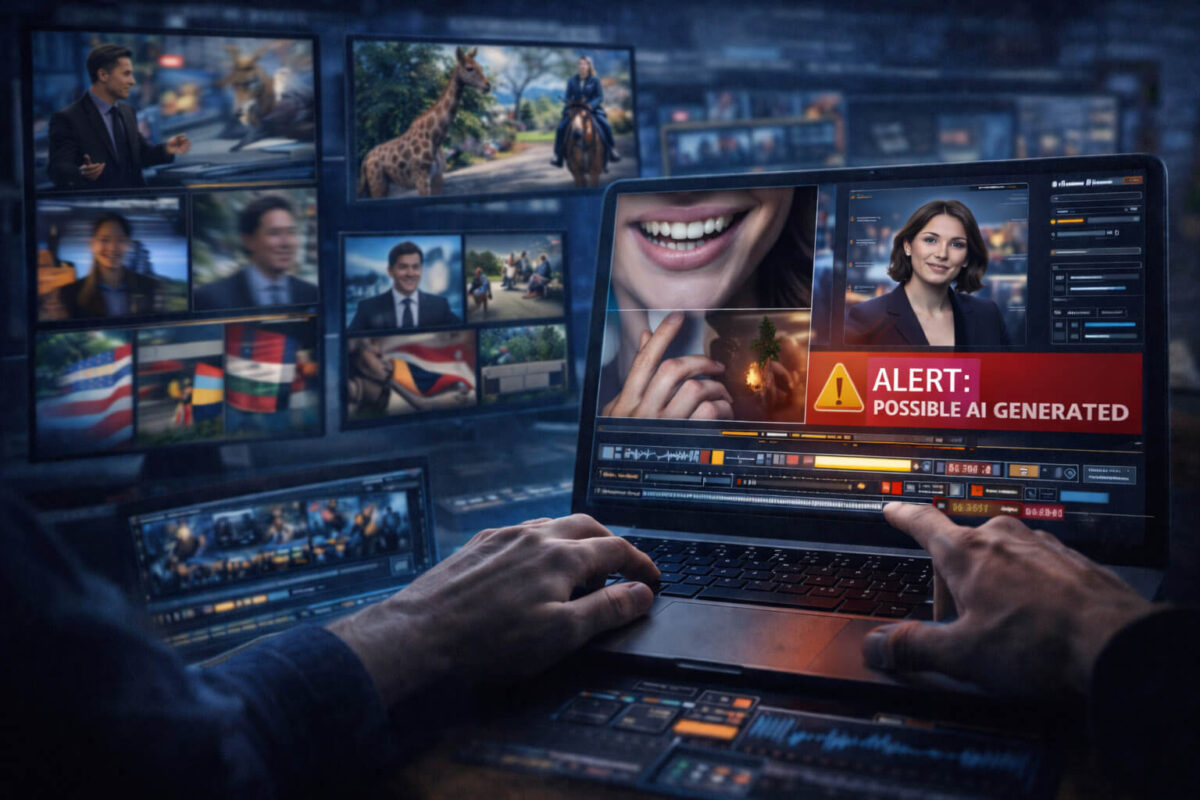
Run the clip through Detect AI Video to check for manipulation indicators. Treat the result as a strong clue, then confirm using the steps above. If the stakes are high, never rely on one signal only.This workflow pairs perfectly with video verification habits and helps you avoid getting tricked when the audio feels convincing.
Using Detect Video AI in a Voice-Deepfake Check
Voice deepfakes in videos are tricky because they can be mixed with real visuals. That’s where your process matters.
Use Detect AI Video when:
- the clip is emotionally intense or urgent
- the source is unknown or suspicious
- there’s money, reputation, or safety involved
- the audio sounds “too perfect” for a casual recording
How to think about results:
- If the tool flags manipulation signals, treat it as “do not share yet.”
- If the tool shows no clear signals, still verify context and source, because not every manipulation is detectable in the same way.
- If results feel uncertain, focus on the human checks: source, context, original upload, and cross-confirmation.
This is also why building a habit of video authenticity checks is valuable. Real trust comes from multiple consistent signals.
If You’re a Creator or Brand: How to Protect Your Voice
If you’re building a brand, you should assume your voice can be cloned from public content. That does not mean you should be afraid. It means you should be prepared.
Create an “Official Channels” page
A simple page on your site listing your verified accounts helps followers confirm what’s real.
Use consistent verification patterns
For example: “We never ask for money via voice messages.” Or: “All announcements are posted on our official website first.”
Pin a short warning post
A pinned note on social platforms can reduce scam success.
Keep high-risk content separate
If you publish long voice samples, understand they can be training data. You can still create content, just pair it with verification habits for your community.
What To Do If You Were Targeted (Damage Control)
If you suspect a voice deepfake scam targeted you or your community:
- Do not engage with the sender beyond basic confirmation steps.
- Freeze payments and contact your bank if money was involved.
- Report the account on the platform immediately.
- Save evidence (links, screenshots, audio files, timestamps).
- Warn others with a short, calm message explaining what happened and how to verify.
If the video is being shared widely, a quick public clarification can stop it from spreading further.
Quick Safety Checklist (Print This in Your Head)
Before you share or trust a clip:
- Is the source credible?
- Does the audio match the face and the environment?
- Is the claim clear and supported by context?
- Can you find the earliest upload?
- Can you confirm it via reliable sources?
- Did you run it through Detect AI Video when it mattered?
If two or more answers are “no,” treat it as suspicious.
Conclusion: The Smart Way to Catch Voice Deepfakes
Voice deepfakes are designed to feel believable in the first few seconds, especially when you’re emotional or in a hurry. Your best defense is a simple routine: do the fast listen test, check audio-video sync, verify the source and context, then use Detect AI Video as an extra signal before you share or act. When the stakes are high, slow down and confirm through a second channel. That one habit is what separates “almost fooled” from “fully protected.”
FAQ
What is a voice deepfake in a video?
A voice deepfake is AI-generated or AI-altered audio that imitates a real person’s voice inside a video, often to mislead viewers about what the person actually said.
How can I tell if a voice message is AI-generated?
Common clues include unnatural rhythm, overly clean pronunciation, odd emphasis, missing breathing noises, and audio that stays too consistent even when the video environment changes.
Can a voice deepfake sound completely real?
Yes, especially in short clips. That’s why verification matters. Even realistic audio can fail source checks, context checks, and original-upload checks.
Do lip-sync issues always mean the audio is fake?
Not always. Some videos are dubbed or edited for innocent reasons. But repeated mismatches between mouth movements and key consonants are a strong warning sign.
How does Detect Video AI help with voice deepfakes?
Detect AI Video can help flag manipulation signals in a clip and push you to verify before sharing. It works best when paired with source and context checks.
What should I do if I get a voice deepfake scam call or message?
Do not send money, do not follow urgent instructions, and verify through a separate channel (call the person back using a known number). Save evidence and report the account.