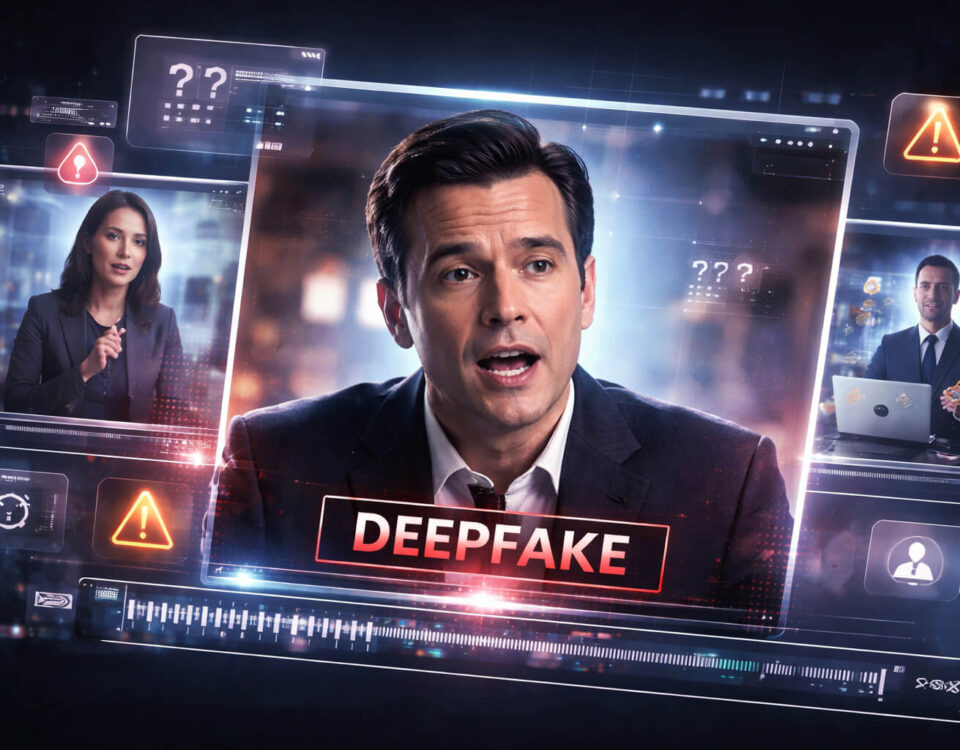
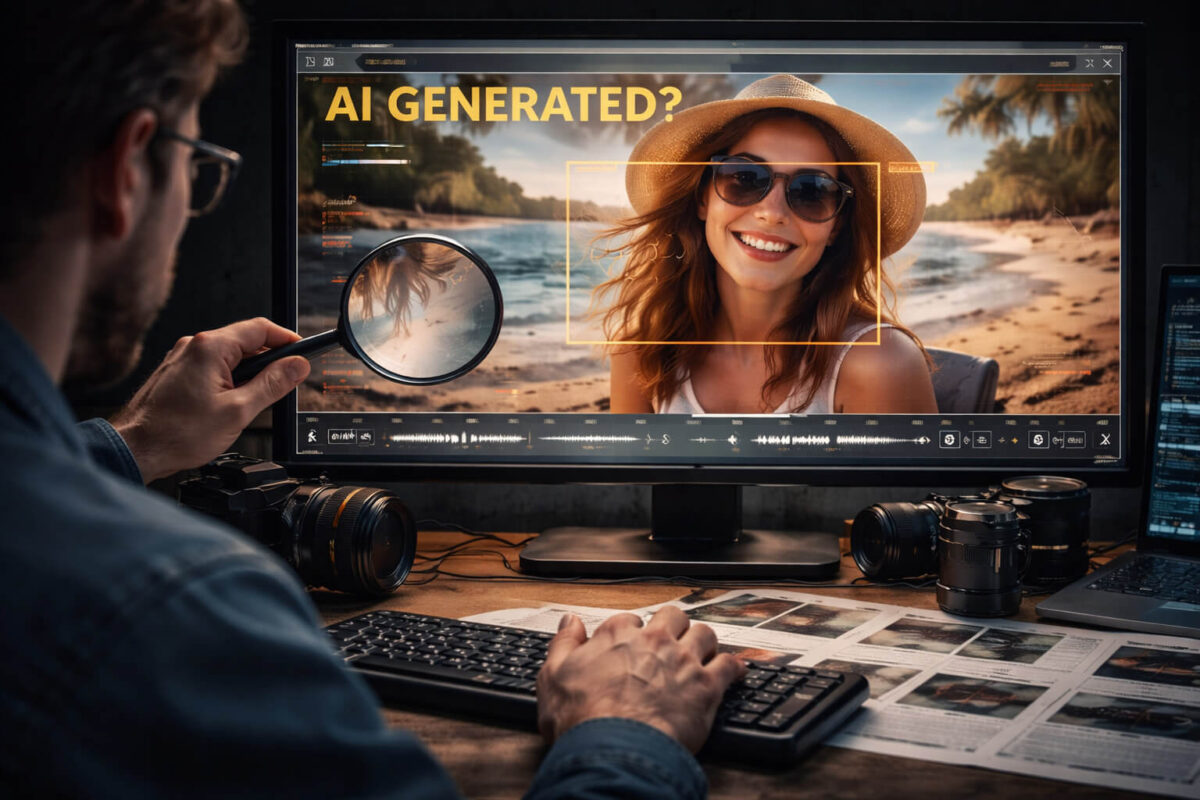
Sora-style AI video can look unbelievably real, which is exactly why verification matters. In the past, fake clips often failed because faces warped, hands looked wrong, or motion felt “robotic.” Newer AI-generated video can pass those obvious tests, so you need a smarter approach: check scene logic, not just surface quality. In this guide, you will learn a practical set of visual and contextual checks you can run in minutes, plus a reliable workflow for high-impact clips before you share, report, or trust them.
Why Sora Videos Are Harder to Spot Than Older AI Clips
AI video generation has improved fast. The biggest change is that modern models can produce:
- More natural camera movement and cinematic framing
- Cleaner lighting and texture detail
- Better-looking faces and smoother motion
- More believable environments and depth
The result is a new category of misinformation risk: videos that look “professional” and therefore feel trustworthy. That emotional shortcut is exactly what scammers and viral hoax accounts rely on. This is why verification has to include both what the video shows and whether the story around it makes sense.
What People Usually Mean by “Sora Video”
When people say “Sora video,” they usually mean one of these:
- Fully AI-generated: The whole clip is synthetic, created from a prompt.
- Partially AI-generated: Some parts are generated (background, scene, objects) but edited into real footage.
- AI-enhanced video: Real footage is heavily modified (upscaling, frame interpolation, style transfer, relighting) in a way that can resemble generation.
This matters because “AI-generated” and “AI-edited” can produce different signs. A fully synthetic scene often fails on world consistency. An edited scene often fails on edges, blending, and continuity.
The 30-Second Sora Video Check
If you only have half a minute, run these quick checks:
- Look for impossible camera moves (perfectly smooth, fast, complex motion with zero blur or realistic shake).
- Scan for continuity slips (objects changing position, shape, or texture between moments).
- Check text and logos (signs, labels, brand marks, UI elements).
- Watch hands and contact points (touching objects, holding items, interactions).
- Pause and ask: does the context make sense? Who posted it first, and what exactly is the claim?
If two or more of these feel off, treat the clip as suspicious and do a deeper review.
Key Signs That a Clip Was AI Generated
The most reliable signs are rarely one giant “gotcha.” Instead, they are small inconsistencies that repeat. Here are the patterns that show up most often.
Scene Consistency Problems
AI-generated video can struggle to keep the world stable across frames. Watch for:
- Background details that drift or mutate
- Objects that subtly change shape
- Clothing folds or patterns that “crawl”
- Jewelry or small accessories that appear or disappear
- Repeating textures that look too perfect or strangely uniform
A real camera records a consistent world, even with compression. AI sometimes produces a world that looks convincing in one frame but fails when you compare moments.
Motion That Looks Cinematic but Not Physical
Some AI clips look like a film shot with expensive gear, but the physics feel wrong. Common cues:
- Motion that is too smooth without natural blur
- Objects that move without realistic weight
- Hair and fabric that behave inconsistently
- Liquid, smoke, and reflections that do not obey environment changes
Look especially at transitions. AI can generate smooth motion, but it often struggles to keep cause-and-effect logic consistent.
Lighting and Reflection Logic That Breaks
AI can create great-looking lighting, yet still fail on “light logic.” Check:
- Shadows that do not match the direction or intensity of light
- Reflections that do not align with camera position
- Brightness changes that do not match environment shifts
- Surfaces that look glossy in one moment and matte the next
These are subtle, but once you train your eye, they become one of the strongest signals.
Human Realism Tests (When People Appear)
When a Sora-style clip contains humans, it may look great at first glance. Still, there are specific areas to check.
Face and Mouth Behavior
Pay attention to:
- Lip movement that does not match speech rhythm
- Teeth that look overly uniform or shift oddly
- Blinking that feels too regular or slightly delayed
- Eye focus that does not lock naturally onto objects or people
If audio is present, always evaluate whether it could be manipulated, especially if the clip is a “phone call leak” or a shocking confession. That overlaps with voice deepfake patterns in real-world scams.
Hands, Touching, and Object Interaction
Hands remain a frequent weak spot in synthetic video. Look for:
- Fingers that bend unnaturally during quick gestures
- Grips that do not match object shape
- Contact points that do not compress skin or fabric realistically
- Objects clipping through fingers or floating slightly above the palm
You do not need to zoom in obsessively. Even normal playback often reveals small interaction glitches.
Detail Forensics: Text, Labels, UI, and Logos
If a clip contains any text, treat it like a verification goldmine. AI tends to struggle with typography and consistent lettering across frames. Watch for:
- Letters that change shape between frames
- Spacing and kerning that looks “almost right” but inconsistent
- Logos that are close to real brands but not exact
- UI elements that look plausible but not tied to real interfaces
This is one of the fastest ways to separate real footage from synthetic scenes, especially in clips claiming to show “leaked dashboards,” “private messages,” or “official screens.”
Context Verification: The Most Important Step People Skip
Even if a video looks real, the claim around it may be false. Verification is not just “is it AI,” but also “is the story true.”
Use this quick framework:
- Define the claim clearly. What exactly is the video supposed to prove?
- Find the first upload. Reposts are not evidence.
- Check date and location context. Does the clip match weather, season, signs, language, or known events?
- Cross-check with reliable sources. If it is newsworthy, someone credible should corroborate it.
This aligns closely with news verification habits that prevent viral hoaxes from spreading.
Common Real-World Scenarios Where Sora Videos Appear
Sora-style and Sora-like clips tend to cluster in a few high-impact categories:
Viral “Breaking News” Clips
These clips often use dramatic framing, chaotic scenes, and emotional urgency. The goal is fast sharing. The best defense is to pause and verify before reacting.
Fake Ads and Influencer Endorsements
A growing pattern is synthetic influencer-style content advertising products, crypto offers, or “limited time” deals. This overlaps heavily with scam videos, where emotional manipulation is more important than realism.
Celebrity Clips and Impersonation
AI-generated video and AI voice can be used to create fake celebrity endorsements, fake apologies, or “leaked” private videos. This overlaps with AI impersonation tactics designed to trigger trust.
Short-Form Social Video Patterns
Short-form platforms amplify reuploads and edits, which hide artifacts. If you work with short clips a lot, you will also recognize behavior patterns seen in TikTok deepfakes, where speed matters more than accuracy.
A Practical Workflow to Verify a Suspected Sora Video
When a video matters (money, safety, reputation, or news impact), use a structured workflow.
Preserve Evidence First
- Save the link and capture screenshots of the post
- Note the account name, date, and caption
- If possible, download the clip or save a local copy
Do this early. Viral posts often get deleted or edited.
Compare Multiple Versions
Search for duplicates and reuploads. If you find:
- A longer original version
- A higher quality upload
- An earlier timestamp from another account
You can often identify what was cut or reframed to manipulate viewers.
Check the Claim Against Reality
Ask:
- Is the setting plausible for the claim?
- Are there identifiable landmarks or language cues?
- Does the timeline match what is being claimed?
Many hoaxes collapse here even if the video is visually convincing.
Use Detect Video AI as a Fast Signal
When you are unsure, use Detect AI Video as an extra signal to spot manipulation faster. It is most helpful when:
- You need a quick risk signal before sharing
- You are triaging many clips at once
- You want a second opinion after your own checks
Treat it like a detector, not a final judge. The best results come from combining automated signals with strong verification habits and context checks.
Mistakes That Cause False Accusations
Not every “weird-looking” video is AI. Common false alarms include:
- Heavy compression that smears faces and textures
- Slow connections that cause frame drops and artifacts
- HDR and sharpening that creates unnatural edges
- Stabilization and filters that change motion feel
- Low-light noise that looks like “generated texture”
This is why the best approach is pattern-based: one odd artifact is not enough, but multiple consistent anomalies across motion, lighting, and continuity are meaningful.
A Better Summary Title and One-Paragraph Summary
The Safe Way to Judge a “Sora Video” in Minutes
Sora-style AI clips can look extremely realistic, so the most reliable approach is to verify the scene like a detective: check continuity, physics, lighting logic, text and logos, and how people and objects interact across frames. Then validate context by finding the earliest upload, defining the exact claim, and cross-checking with credible sources before sharing. When a clip feels suspicious or high-impact, use Detect AI Video as a fast signal to identify likely manipulation, and combine it with a clear verification workflow to avoid both scams and false accusations.
FAQ: Sora Video Detection
What is a Sora video?
A “Sora video” typically refers to a clip generated by advanced AI video models, often from text prompts, which can produce realistic scenes, camera motion, and characters.
What are the strongest signs a clip is AI generated?
The most consistent signs are continuity slips, unrealistic physics, broken lighting or reflection logic, unstable text and logos, and unnatural hand or object interactions.
Can AI-generated videos look completely real?
Some can look real at first glance, especially in short clips. That is why context verification, origin checks, and pattern-based analysis are more reliable than hunting for one obvious artifact.
Can a real video be mistaken for AI?
Yes. Compression, filters, stabilization, low-light noise, and heavy editing can create artifacts that resemble AI. Look for multiple independent anomalies, not one weird frame.
How do I verify a viral clip quickly before sharing?
Pause, define the claim, search for the earliest upload, compare versions, check context, and cross-reference credible sources. If the clip is suspicious, run Detect AI Video as an additional signal.
Is AI detection software enough on its own?
No. Detection tools are helpful, but the best results come from combining automated signals with visual checks and strong context verification.