Fake videos do not just “look real” anymore. They move fast, get reposted everywhere, and often arrive with a confident caption that pushes you to believe before you think. If you have ever asked “Where did this clip come from?” you are already thinking like a verifier.
That is exactly what C2PA metadata is designed for.
Instead of guessing whether a video is authentic based only on visuals, C2PA focuses on provenance: a record of where media came from and what happened to it along the way. When it is present and preserved, it can help you answer practical questions like who created the file, which tools were used, and whether edits were declared. It will not solve every case, but it can make video verification faster and more reliable.
In this guide, you will learn what C2PA metadata is, what it can and cannot prove, how to check it step by step, and how to combine it with Detect Video AI when provenance is missing or incomplete
What C2PA metadata is
C2PA stands for the Coalition for Content Provenance and Authenticity. In simple terms, C2PA is a standard that lets publishers and tools attach a signed “history label” to media.
That label is not a marketing badge and it is not an “AI detector.” It is closer to a receipt plus a tamper-evident seal.
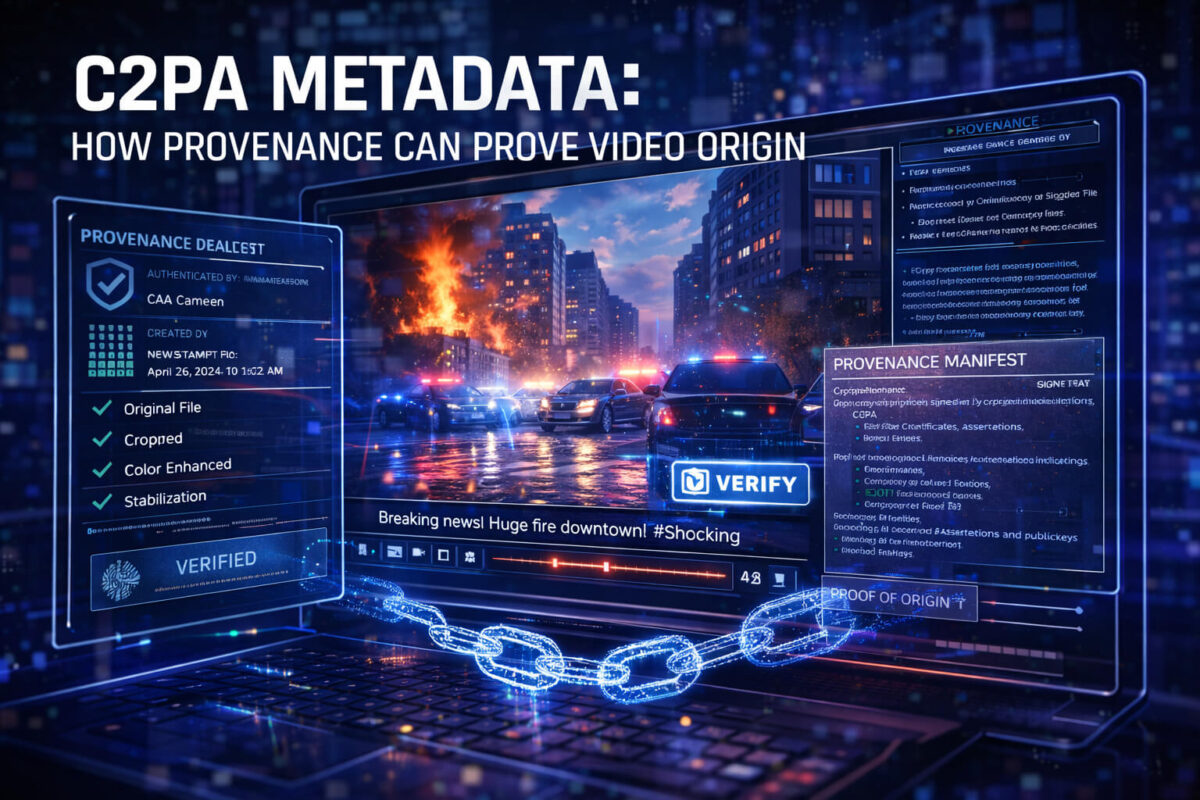
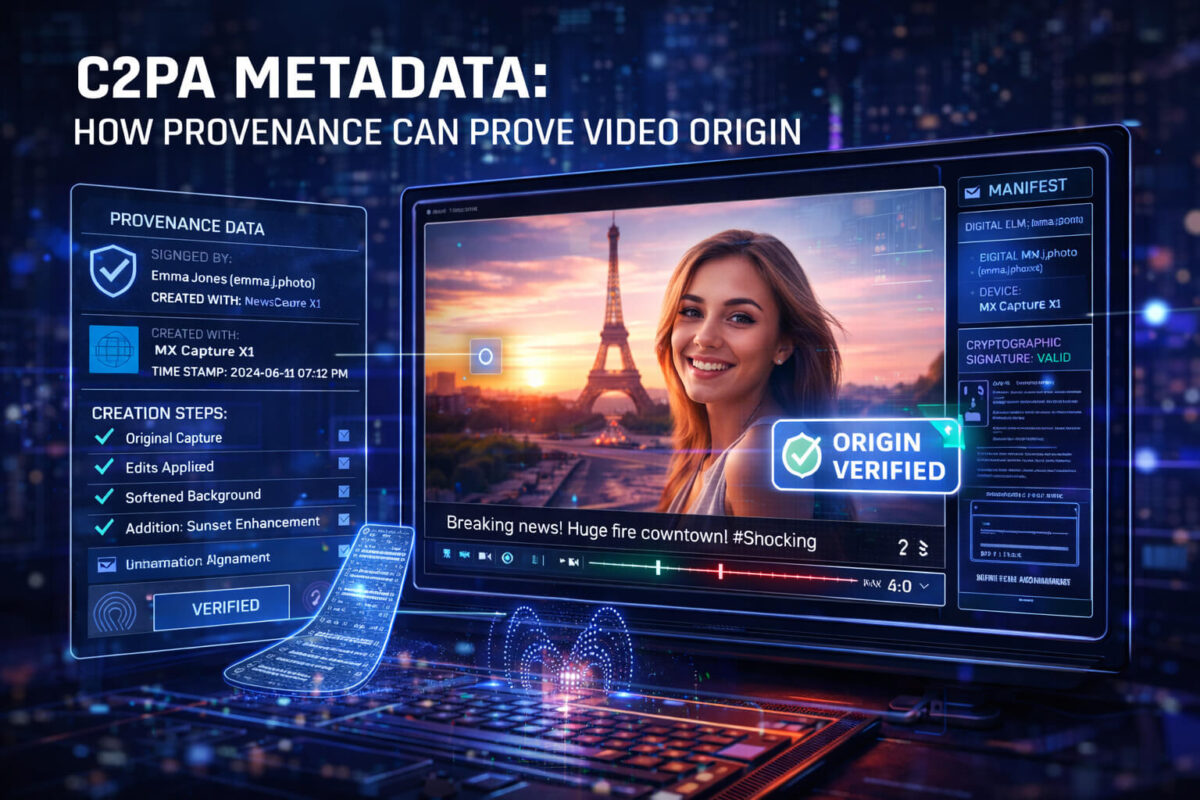
When a video has C2PA data, it may include a provenance manifest. The manifest can describe who signed the media, how it was created, and what changes were made. The goal is transparency, not perfection.
The key idea is this:
- Detection tries to infer what happened.
- Provenance tries to record what happened.
Both are useful, but they answer different questions.
Proof of origin vs proof of truth
This is the most important mindset shift.
C2PA is strongest at proving origin and declared editing, not proving that what you see is true in the real world.
A clip can have valid provenance and still be misleading. For example, it could be real footage used with a false caption, a wrong date, or a fake context. C2PA can help show where the file came from and how it was handled, but it cannot magically verify every claim made around it.
Think of C2PA as one strong signal in a verification workflow.
How provenance works behind the scenes
You do not need to be technical to benefit from C2PA, but understanding the basics helps you avoid common traps.
The manifest concept
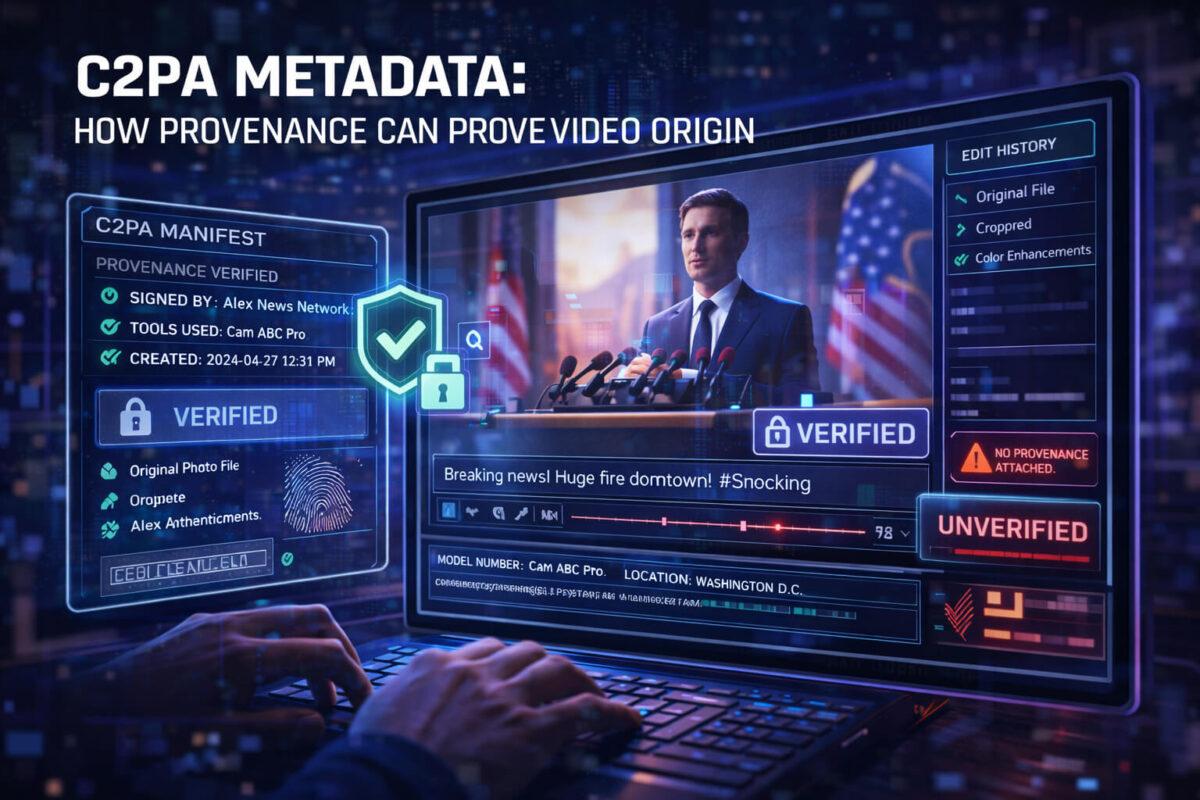
A C2PA manifest is a structured set of statements about the media. It can include things like:
- The signer identity (who is claiming provenance)
- The tools involved (camera, editor, exporter)
- Actions (cropped, color corrected, stabilized, generated, etc.)
- References to other assets (like source files)
Cryptographic signing in one sentence
The manifest is digitally signed so that tampering becomes detectable.
If someone changes the file or the manifest in a way that breaks the signature, verification tools can flag that the provenance no longer matches.
That signature does not automatically mean “trusted,” it means “consistent.” Trust still depends on who signed it and whether the chain makes sense.
The chain of edits
In the best case, provenance shows a chain from capture to edit to publish. In real life, you may see only part of the chain. That is still useful, as long as you interpret it correctly.
What C2PA can prove for a video
When C2PA metadata is present and intact, it can help you verify several things quickly.
Who published it
A manifest may show a publisher or organization identity. This is helpful when a video is circulating on random accounts. If you can tie it back to a known source, that reduces uncertainty.
Important detail: platform accounts are not the same as signer identity. A verified manifest can say “this file was signed by X,” while the post might be from Y. That mismatch is a red flag.
Whether edits were declared
C2PA can include editing actions such as trimming, color correction, or compositing. In some workflows, AI generation or AI-assisted steps may also be disclosed.
This is especially helpful for newsrooms and brands that want to communicate transparency.
What tools were used
Some manifests include the software used to create or export the file. This can help you understand whether a clip likely came from an editing suite, an AI pipeline, a screen recording, or a camera workflow.
A consistent chain of custody
Even if the chain is short, a valid signature can help establish a “this file is the same file that was signed” property. That alone can be valuable in investigations where reuploads and re-encodes blur everything.
What C2PA cannot guarantee
To avoid “false confidence,” you need to know the limits.
Metadata can be missing
Most videos online still have no C2PA data. That does not mean they are fake. It often means the workflow did not add provenance, or the platform did not preserve it.
Metadata can be stripped
Re-uploads, some social platforms, some messengers, and some editors can remove metadata. Even changing containers or re-encoding can break the chain.
So: absence of C2PA is not proof of manipulation.
Screenshots and screen recordings break provenance
If someone plays a video and records their screen, the new recording is a new file. The provenance of the original does not automatically transfer.
Valid signature does not equal honest context
A real video can be used for a fake claim. C2PA does not verify the caption, the date claims, or the narrative around it.
Where C2PA appears today
C2PA is expanding, but you should expect uneven coverage.
You may encounter C2PA data in:
- Some newsroom and brand workflows that publish with provenance
- Some camera or mobile capture pipelines that support provenance
- Some editing tools that preserve or add manifests
- Some AI tools that embed origin signals
The practical approach is to treat C2PA as a bonus signal. When it is present, use it. When it is missing, use other verification steps and tools like Detect AI Video to evaluate manipulation risk.
How to check C2PA metadata step by step
Here is a simple way to think about checking C2PA:
Start with the file, not the post
If possible, download the original file or obtain it from the earliest uploader. Posts on social platforms often strip metadata or serve transcoded versions.
Fast check
- Look for any “provenance” or “content credentials” display in the viewer or platform.
- If you have a file, inspect metadata using a provenance-capable tool, not only basic EXIF viewers.
Deeper check
When you can open the manifest, review:
- Who signed it
- Whether the signature validates
- Whether the declared actions match what you see
- Whether the timeline makes sense
- Whether the tool chain looks suspicious
If anything feels inconsistent, treat provenance as uncertain, not as proof.
A five-minute workflow to verify a viral video
If you want a repeatable process, use this:
Define the claim
Write one sentence: what is the video supposedly showing?
Find the earliest source
Search for the first upload. Many hoaxes fall apart right here.
Check provenance (if available)
If the earliest file has C2PA metadata, check signer identity and edit history.
Check context
Confirm date, location, and whether the clip has been used before.
Use detection as an extra signal
If provenance is missing, incomplete, or suspicious, use Detect Video AI to assess manipulation indicators. Do not rely on a single signal, combine them.
Combine provenance with Detect Video AI for stronger confidence
Here is a simple rule of thumb:
- If C2PA metadata is present and the signer is credible, provenance gives you a strong starting point.
- If C2PA is missing, broken, or inconsistent, you need other signals.
That is where Detect AI Video helps. A detection tool can analyze the video itself for manipulation patterns, while C2PA focuses on the file’s documented history.
Used together, they cover each other’s blind spots:
- Provenance can be absent, but video signals may still indicate manipulation.
- Visuals can look clean, but provenance may reveal an AI-generated or heavily edited workflow.
Common C2PA terms you may see
You might run into terminology like:
- Manifest: the provenance record
- Assertion: a statement inside the manifest
- Signer: the identity that signed the manifest
- Actions: declared edits or transformations
- Ingredients: referenced source assets
- Claim generator: the tool that wrote the manifest
You do not need to memorize them. Just remember the goal: does the record make sense and does it match reality?
Red flags inside C2PA metadata
C2PA is a trust tool, but it can still be misused or misunderstood.
Watch for:
- A signer you cannot identify or verify
- A valid signature paired with a suspicious publisher claim
- A timeline that does not fit the story
- Declared actions that contradict what the video shows
- A “perfect” provenance record coming from an unknown source while the clip is spreading through random accounts
In those cases, treat provenance as a clue, not as a conclusion.
Best practices for creators and publishers
If you publish videos and want to benefit from C2PA:
- Preserve provenance during export and distribution
- Avoid workflows that strip metadata
- Publish from a consistent identity
- Communicate clearly: provenance supports transparency, but it is not a promise that every claim is true
This is also a practical SEO and trust advantage: users increasingly want to know where content came from.
Quick checklist: C2PA video origin verification
Use this checklist before sharing a high-impact clip:
- Can I find the earliest upload?
- Do I have the original file, not a reupload?
- Is C2PA metadata present?
- Does the signature validate?
- Do I recognize the signer?
- Does the edit history match the content?
- Does the context match the caption?
- If anything is unclear, did I run the clip through Detect Video AI as an additional signal?
Conclusion
C2PA metadata can make verification faster because it helps you confirm origin and declared edits through signed provenance. But it is not a universal label and it is not proof that a claim is true. The smartest approach is a layered workflow: check the source, check the context, use C2PA when it exists, and use Detect AI Video when provenance is missing or uncertain. That combination gives you the best chance of spotting manipulation before you trust or share a clip.
FAQ
What is C2PA metadata used for?
C2PA metadata is used to attach signed provenance information to media, helping people verify where a video came from and what edits were declared.
Does C2PA metadata prove a video is real?
No. It can help prove origin and integrity of the signed record, but it cannot guarantee the video’s story or caption is true.
Why do many videos have no C2PA metadata?
Because many creation and publishing workflows do not add it yet, and some platforms remove or do not preserve it during re-encoding.
Can someone fake C2PA metadata?
They can attach a signed record, but the key question becomes who signed it and whether that signer is trustworthy. A valid signature is not the same as a credible source.
How does C2PA relate to Content Credentials?
Content Credentials is often the user-facing way platforms or tools display provenance information. C2PA is a core standard behind that concept.
What should I do if C2PA is missing?
Use classic verification steps like finding the original upload and confirming context, then use Detect Video AI to assess potential manipulation indicators.